Browse BER / Discard
1Open BER Discard List
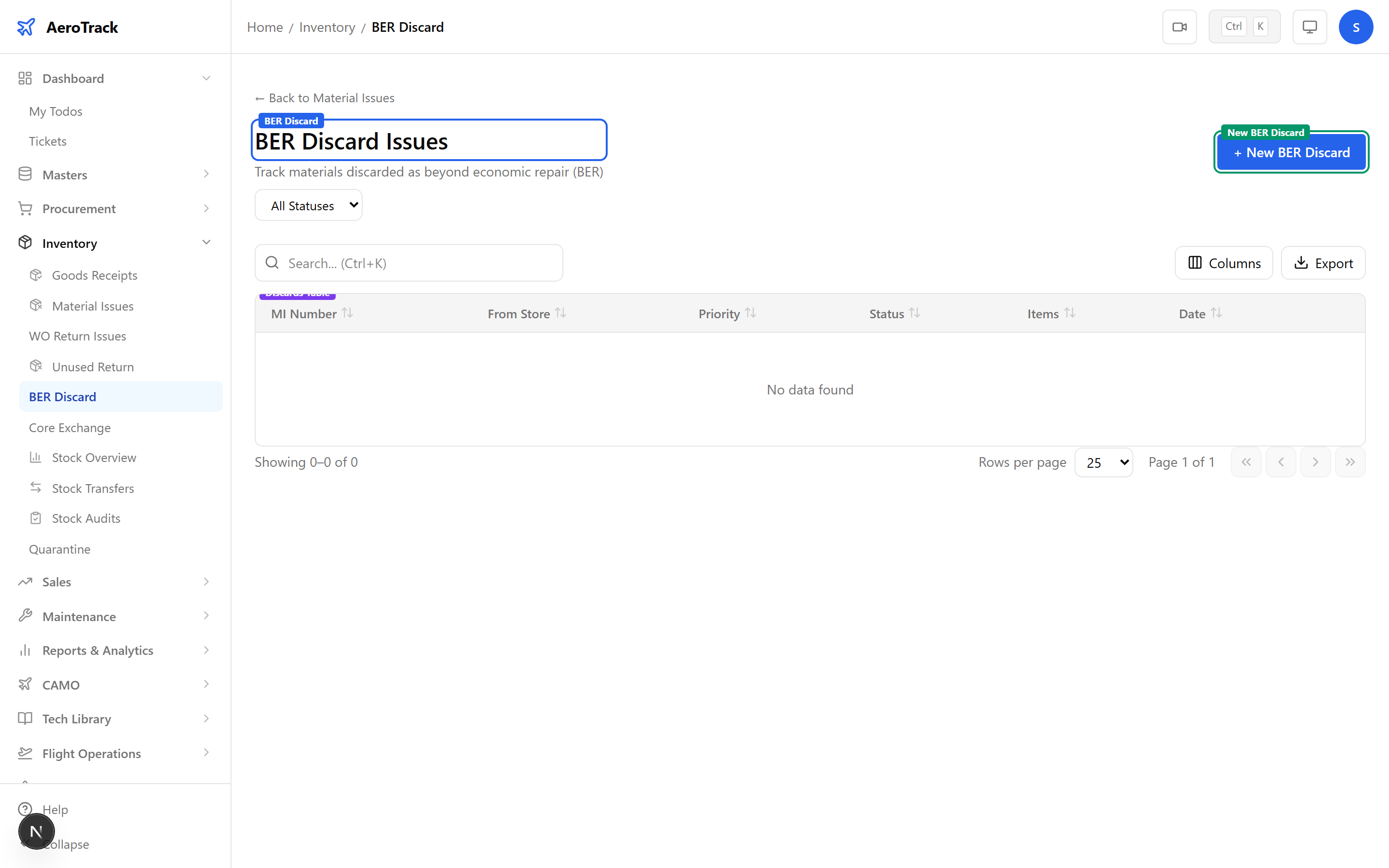
Navigate to Inventory → BER Discard or go to /inventory/ber-discard. This page shows only Material Issues with type “BER Discard”.
2Filter & Columns
| Column | Description |
|---|---|
| MI Number | Issue reference (links to detail). |
| From Store | Store from which parts are discarded. |
| Type | Always “BER Discard” (rose badge). |
| Priority | None, Low, Medium, High, or AOG. |
| Status | Opened, Authorized, Issued, or Cancelled. |
| Items | Number of parts being discarded. |
| Date | Discard date. |
Create a BER Discard
3Discard Header
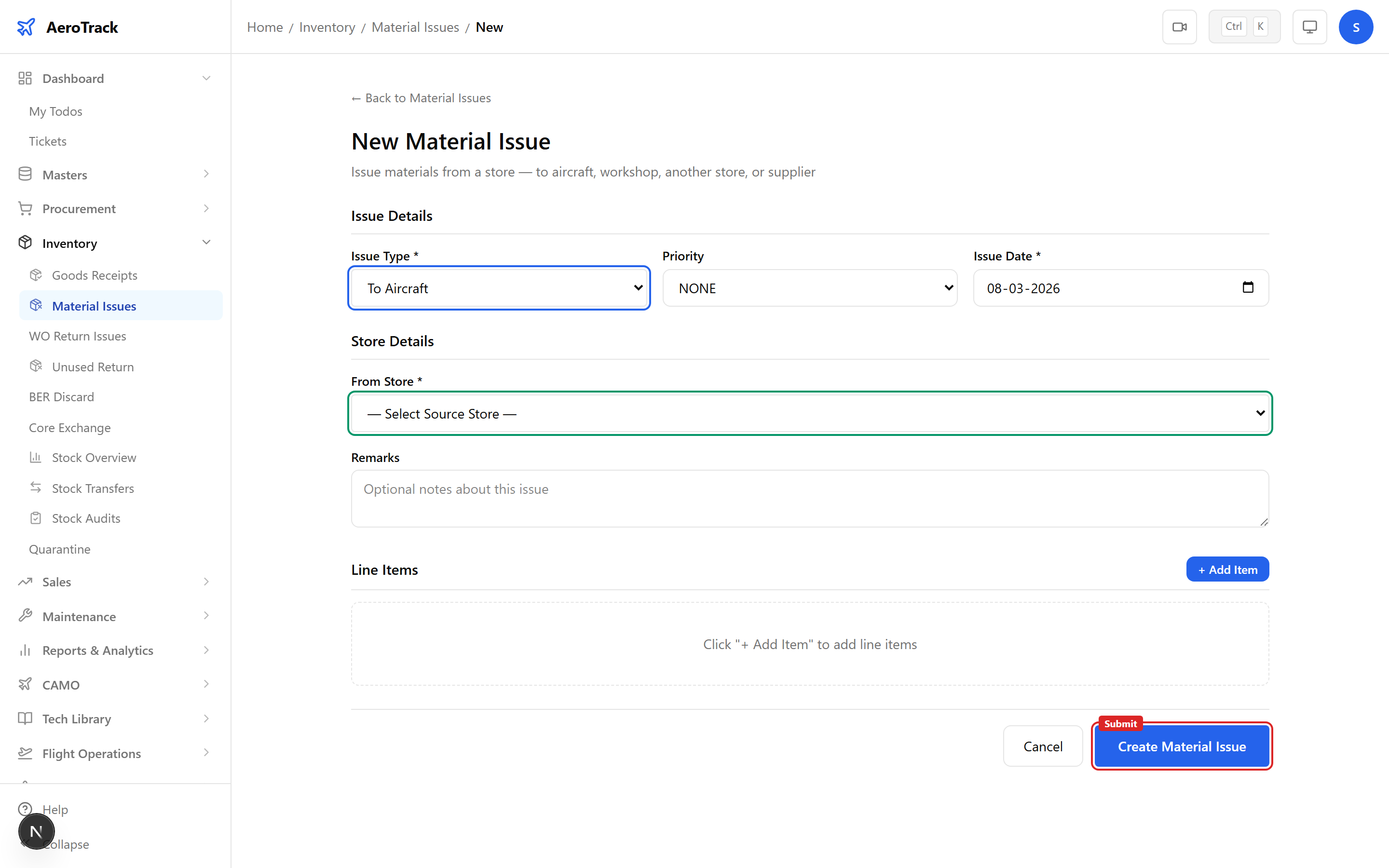
Click + New BER Discard which opens /inventory/issues/new?type=BER_DISCARD with the issue type pre-selected.
| Field | Required | Description |
|---|---|---|
| Issue Type | — | Pre-set to “BER Discard” (disabled). |
| Priority | No | None, Low, Medium, High, or AOG. |
| Issue Date | Yes | Date of disposal. |
| From Store | Yes | Store holding the condemned parts. |
| Remarks | No | Overall discard notes (e.g. “QA inspection confirmed BER”). |
4Discard Items
| Field | Description |
|---|---|
| Part Number | Typeahead search for the condemned part. |
| Quantity | Units being discarded. |
| Serial Number | Serial of the condemned unit (important for traceability). |
| Batch Number | Batch/lot reference (optional). |
| Return Reason | BER reason — e.g. “corrosion beyond limits”, “crack found during NDT”, “time-expired”. |
| Unit Cost | Write-off value for financial tracking. |
BER discards permanently remove parts from serviceable inventory. Ensure the BER determination has been confirmed by engineering or QA before creating this record. Once the issue reaches Issued status, it cannot be reversed.
Record serial numbers for every discarded part — DGCA regulations require full traceability of condemned components.
Workflow
5Status Flow
| Status | Meaning | Next |
|---|---|---|
| Opened | Discard recorded, pending authorization. | Authorize |
| Authorized | Approved for physical disposal. | Issue (dispose) |
| Issued | Parts removed from inventory. Terminal. | — |
| Cancelled | Discard withdrawn. Terminal. | — |
Only Opened discards can be edited or cancelled. Authorization provides an approval gate before irreversible disposal.
6Cross-Links
| Action | Guide |
|---|---|
| View all material issues | Material Issues |
| Return unused materials | Unused Returns |
| Exchange rotable cores | Core Exchange |
| Check stock levels | Stock Overview |