Distribution Lists
Navigate to Settings → Utilities → Distribution
List or go directly to
/settings/utilities/distribution-list. This page
lets you create named groups of recipients for notification
routing.
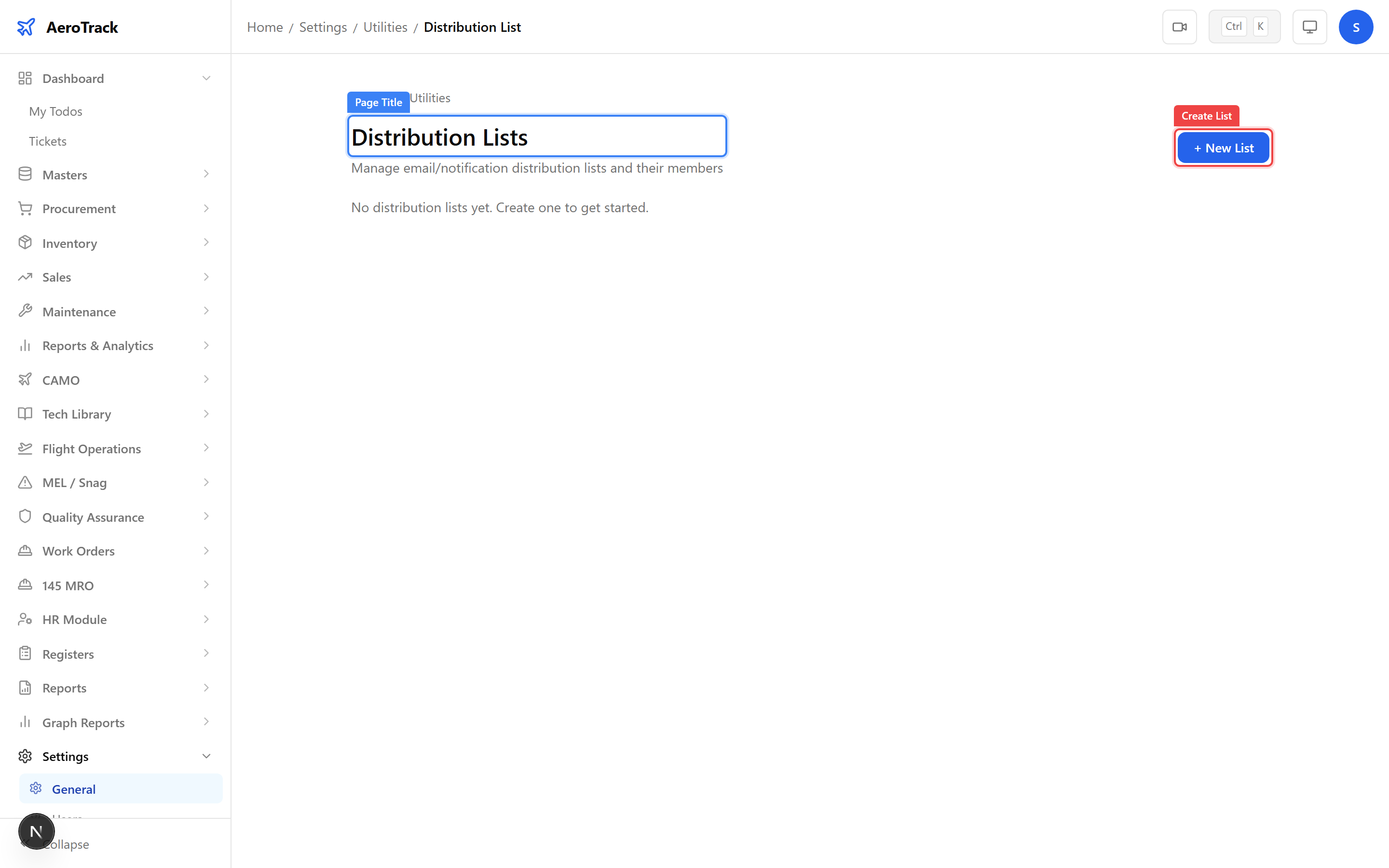
Click + Create List and fill in:
| Field | Description |
|---|---|
| List Name | A descriptive name (e.g. “CAMO Engineering Team”, “QA Auditors”). |
| Description | Purpose of this distribution list. |
Click Save to create the list. Distribution lists are used to route notifications to the right people when automated alerts are triggered.
AD/SB Change Notifications
camo_engineer When an AD/SB item has Monitoring Enabled and a Source URL, AeroTrack periodically checks whether the content at that URL has changed since the last check.
If a change is detected, the system creates a notification record in the AD/SB Notifications table with a severity level (CRITICAL or WARNING) based on the type of change detected.
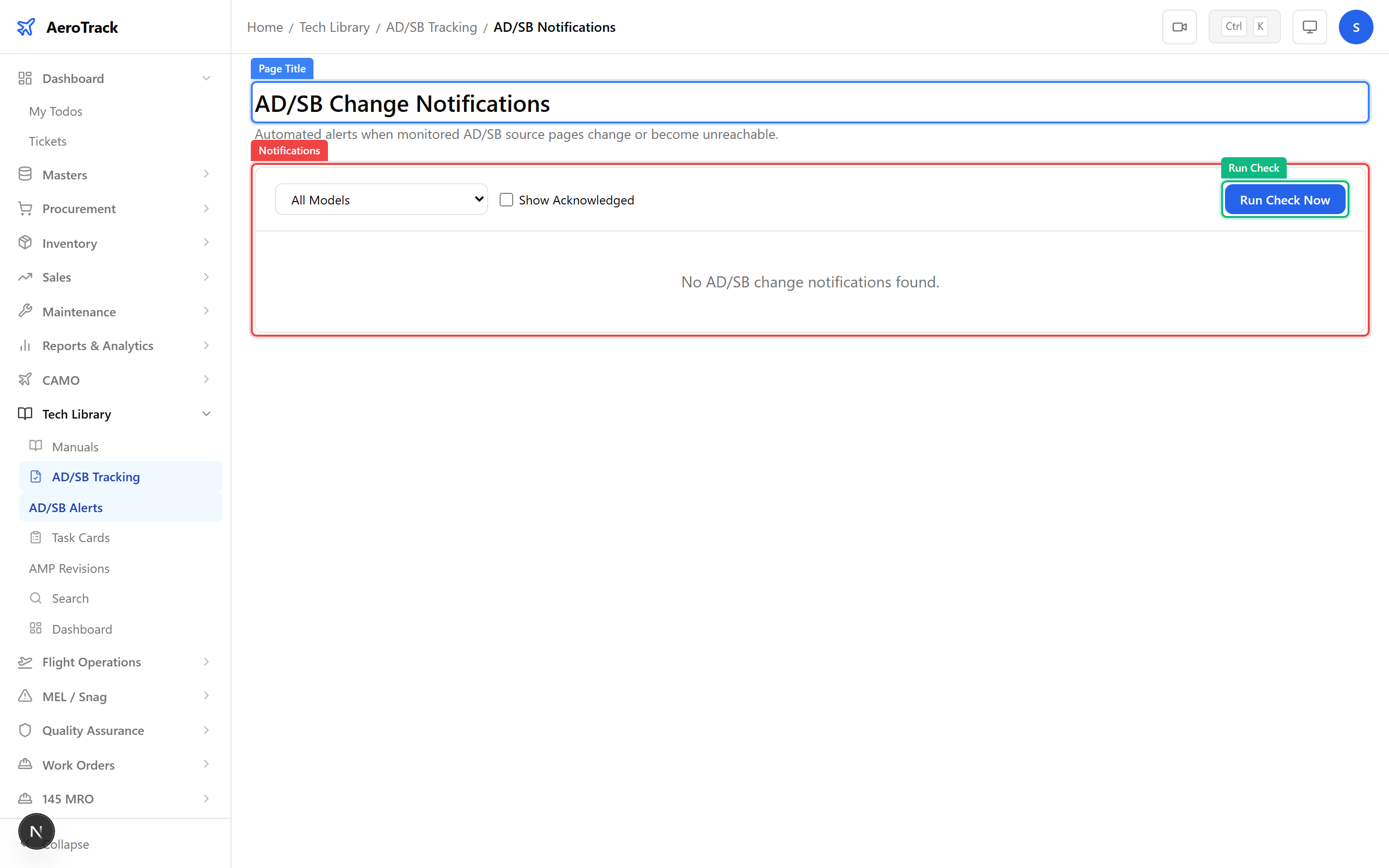
Navigate to Tech Library → AD/SB → Notifications
(/tech-library/ad-sb/notifications) to view all
pending and acknowledged alerts. The table shows:
| Column | Description |
|---|---|
| AD/SB | The directive or service bulletin that triggered the alert. |
| Severity | CRITICAL (major change detected) or WARNING (minor change). |
| Detected | When the URL change was first detected. |
| Acknowledged | Whether someone has reviewed and acknowledged the alert. |
Notification Types
AeroTrack generates notifications across several categories:
| Category | Trigger | Related Guide |
|---|---|---|
| AD/SB Change | Source URL content has changed since last check. | AD/SB Notifications |
| Inspection Due | Inspections within the horizon threshold. | Inspection Due Report |
| Certificate Expiry | Aircraft or component certificates approaching expiry. | Certificate Expiry Report |
| Licence Expiry | Employee licences approaching renewal date. | Licence Tracking |
| Training Due | Recurrent training courses due for completion. | Training Records |
| MEL Deadline | Deferred MEL items approaching their rectification deadline. | Defer & Rectify |