Navigate to MEL/Snag in the sidebar. The landing page shows module cards — Snag Reports, MEL Items, Deferred Items, AOG Tracking, and the Dashboard.
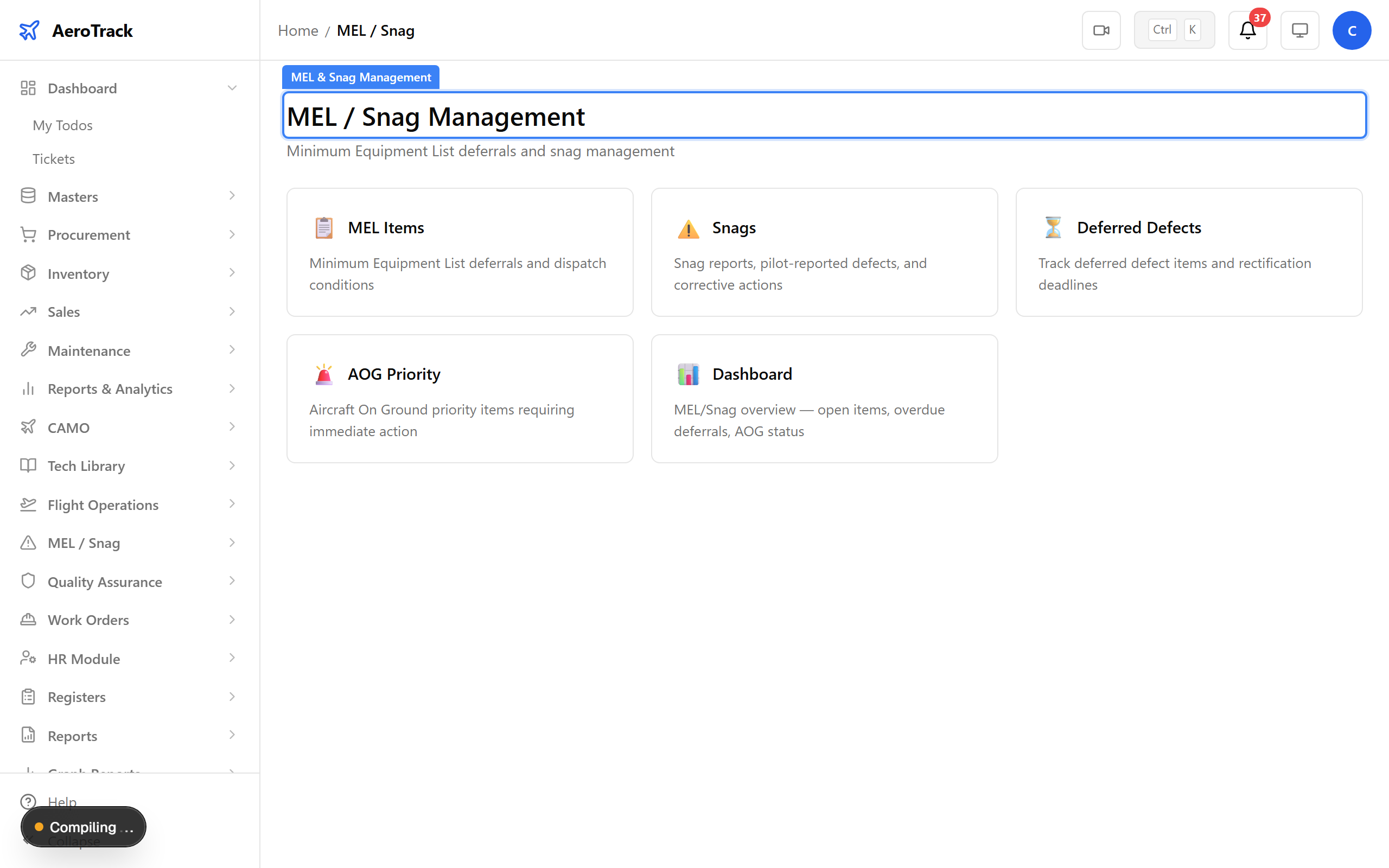
▲ MEL & Snag Management — track defects from discovery to closure.
Navigate to MEL/Snag → Dashboard. The dashboard surfaces key metrics: open snags, active MEL deferrals, overdue items, and AOG status. Red counts demand immediate attention.
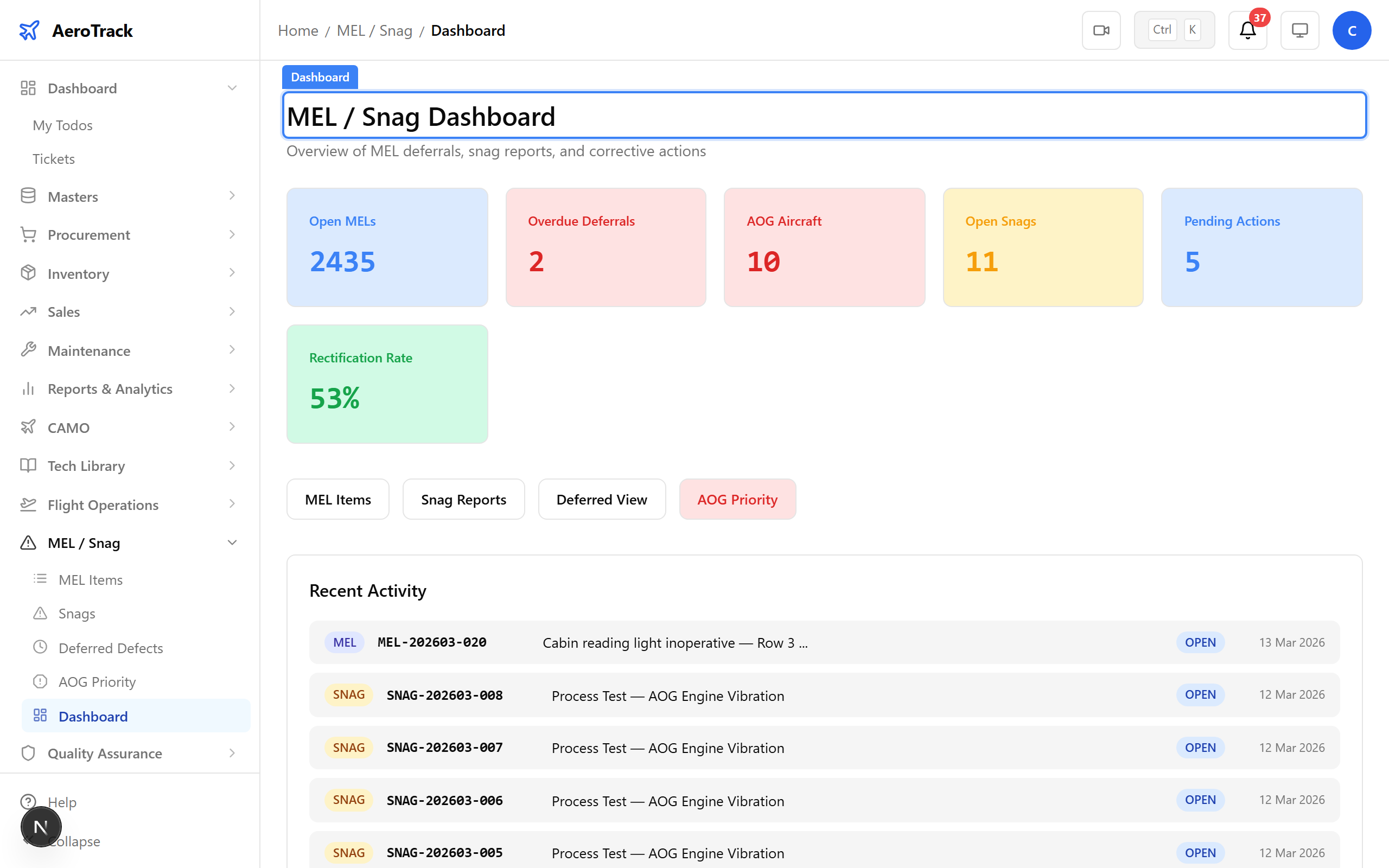
▲ Dashboard overview — open snags, deferred MELs, and AOG status at a glance.
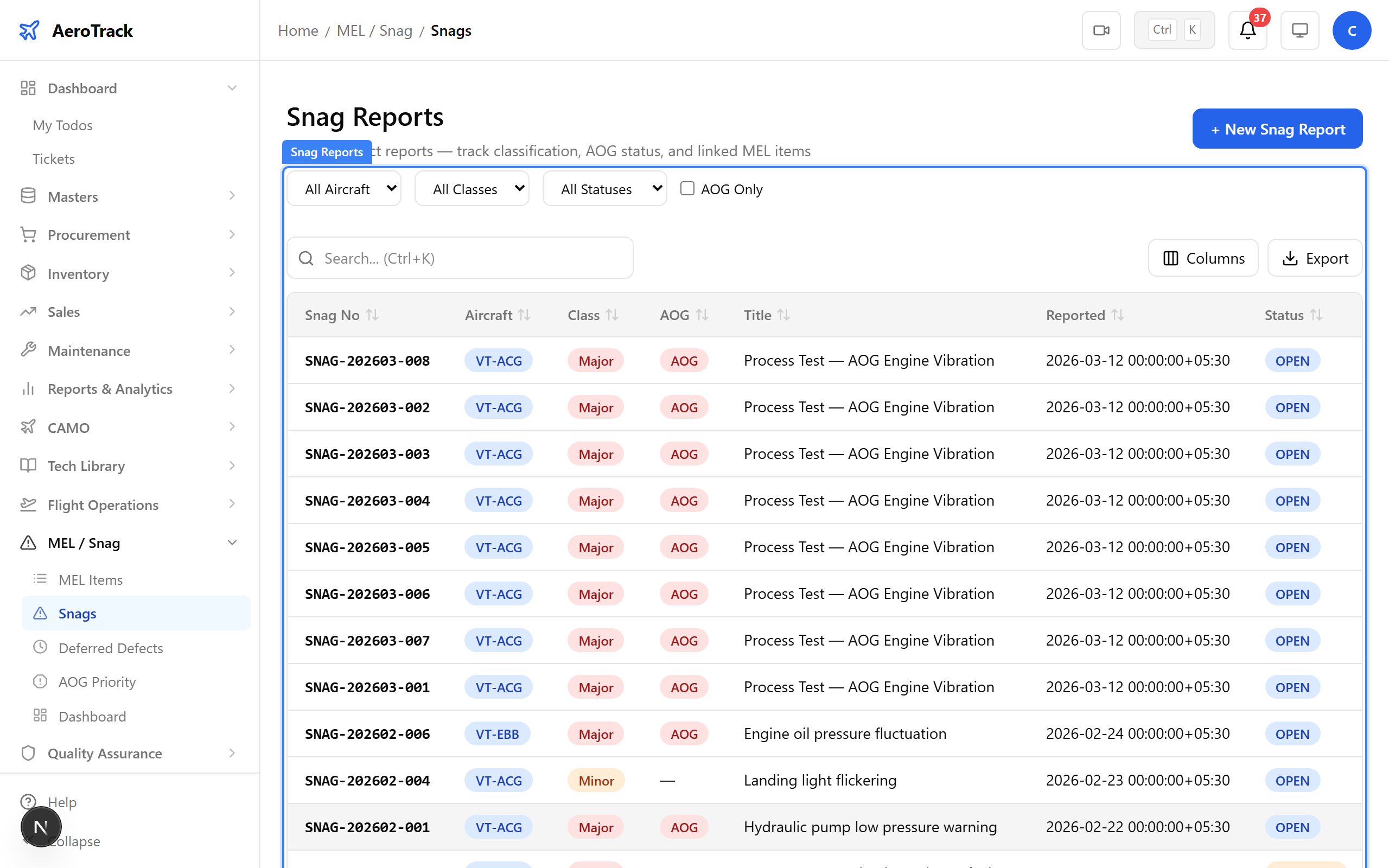
Navigate to MEL/Snag → Snag Reports. Every reported defect is listed here with its aircraft, description, priority, and current status.
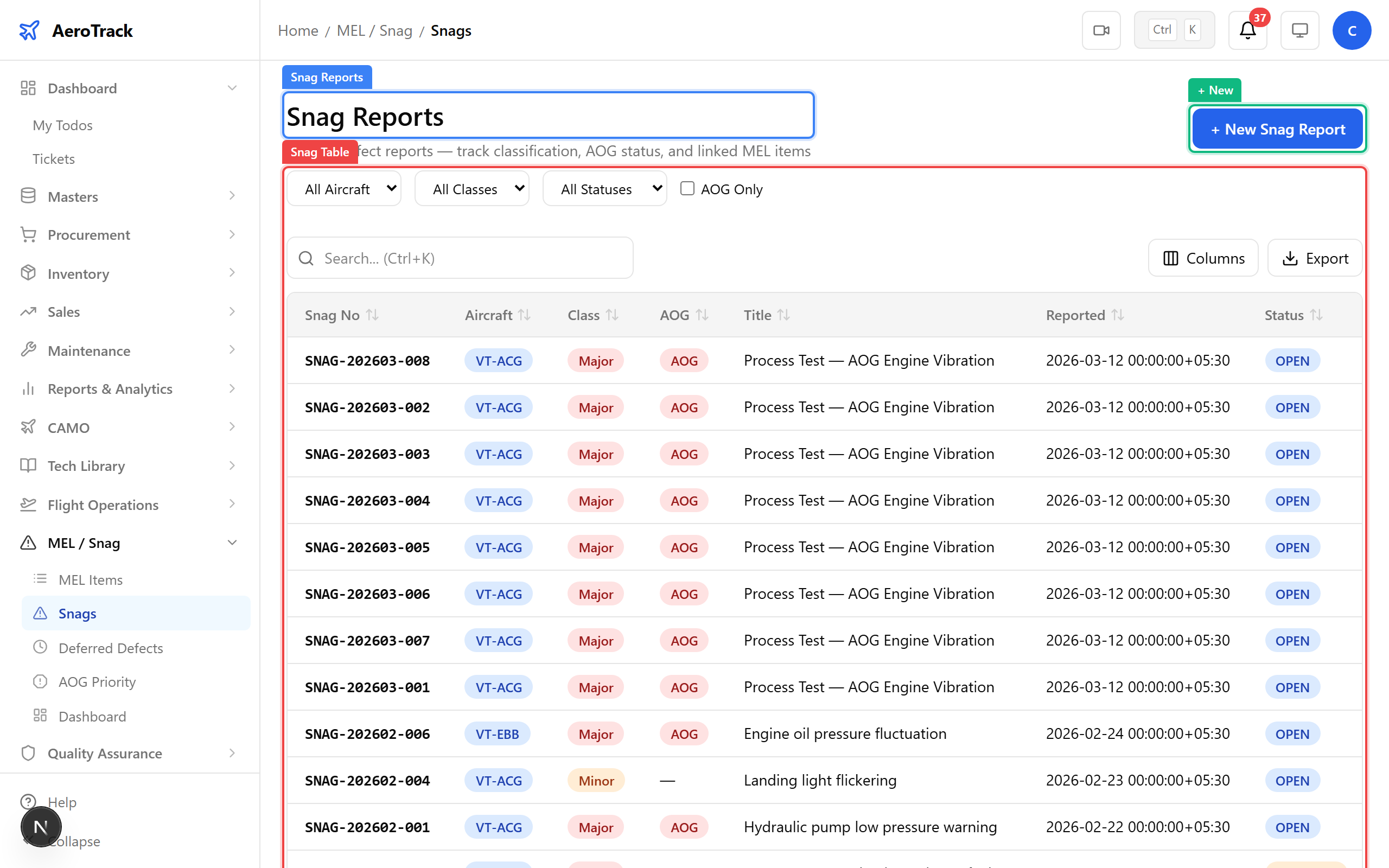
▲ All reported snags listed with status and priority.
Click + New. A pilot on VT-ACG reported a cabin reading light failure during post-flight inspection. Fill in the aircraft, ATA chapter (33 — Lights), description, reporter, date, and priority.
| Field | Purpose |
|---|---|
| Aircraft | Which aircraft the defect was found on (VT-ACG) |
| ATA Chapter | Standard ATA chapter for the system affected (33 — Lights) |
| Description | Detailed description of the defect |
| Reported By | Name of the person who discovered the defect |
| Date | When the defect was discovered |
| Priority | AOG / Major / Minor — determines urgency |
| Location | Where on the aircraft the defect was found |
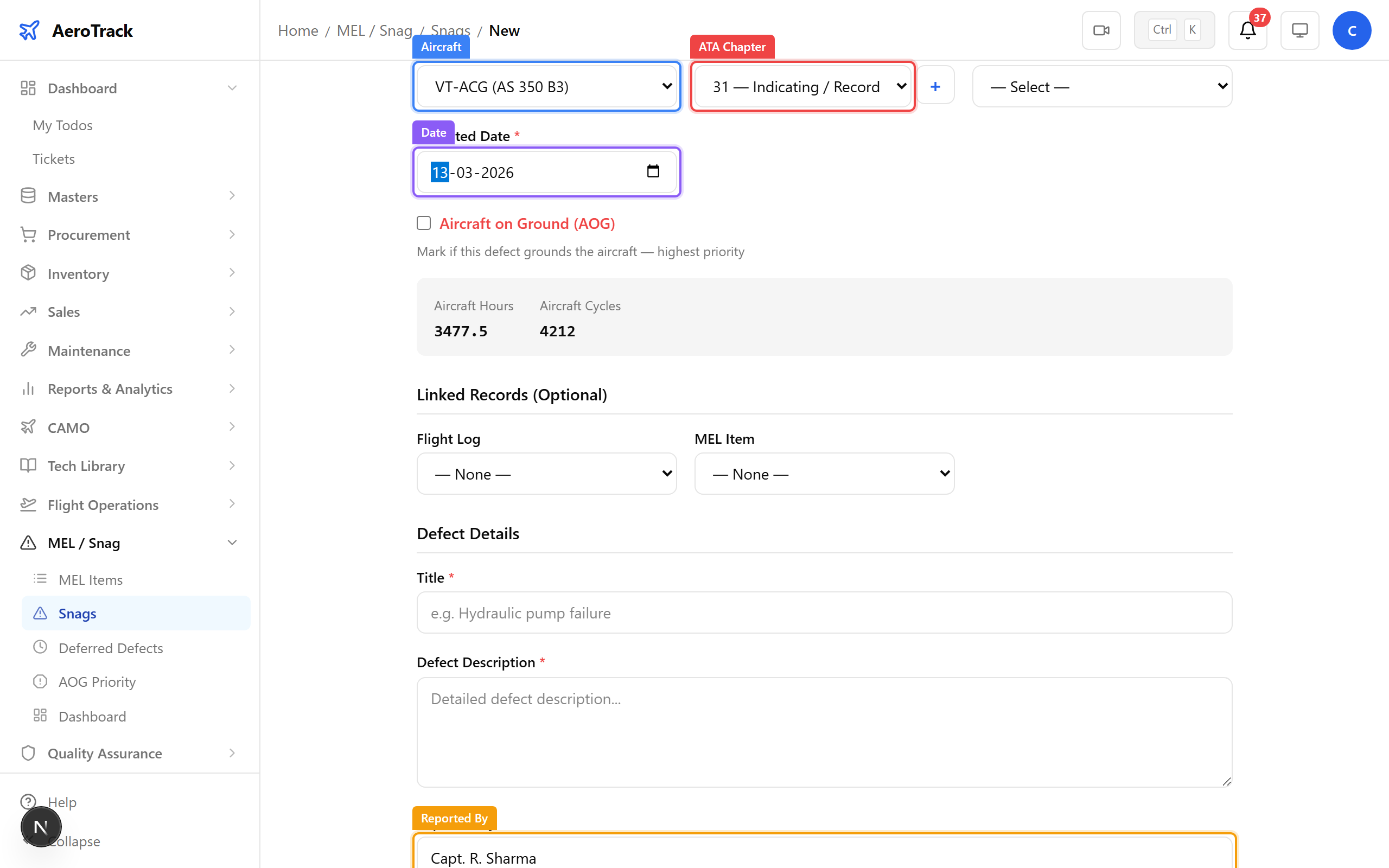
▲ Reporting the cabin light failure on VT-ACG.
After saving, the snag detail page shows the full report with an OPEN status badge. From here you can link it to a MEL item, raise a work order, or update the status.
▲ Snag reported and open — ready for assessment.
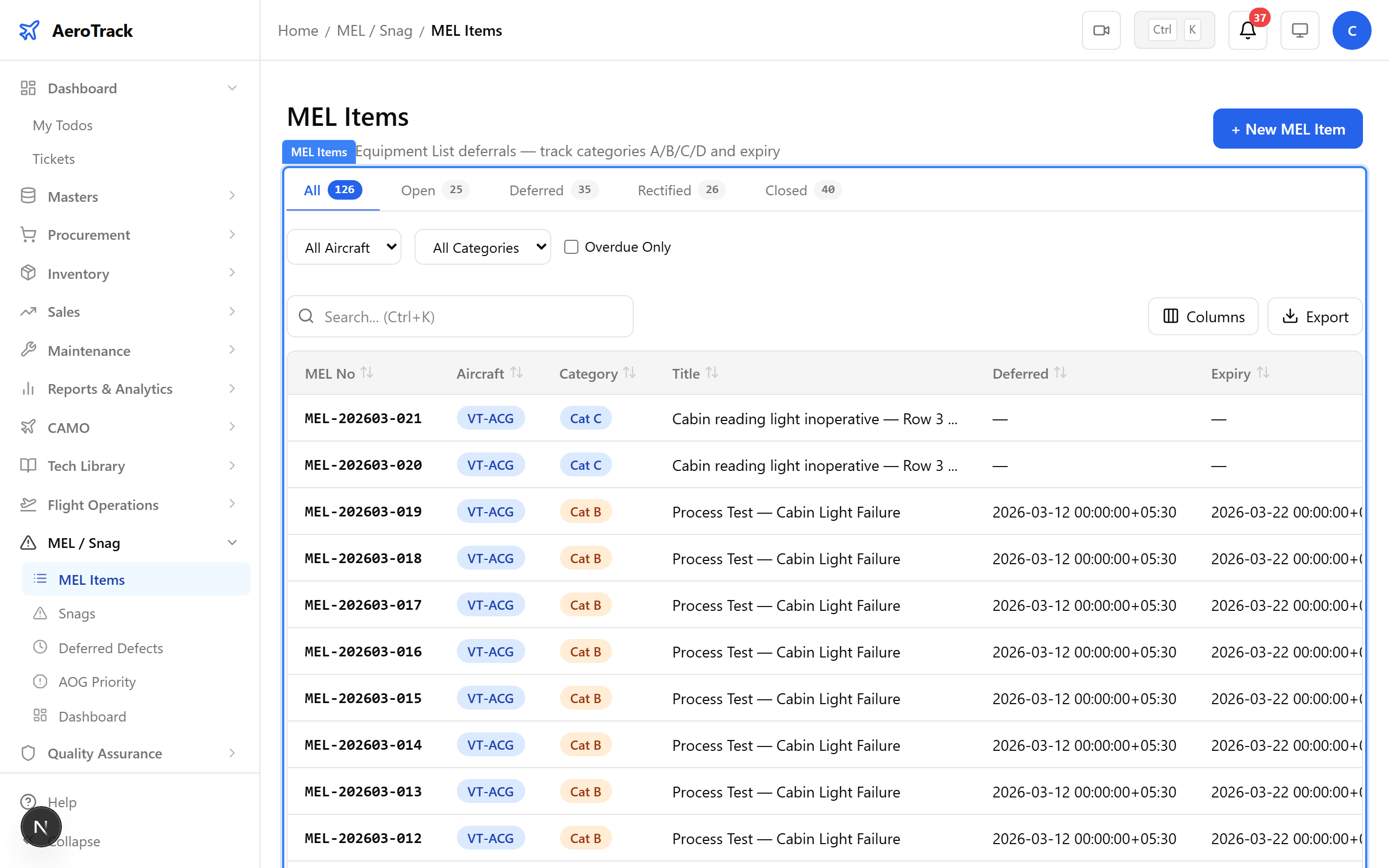
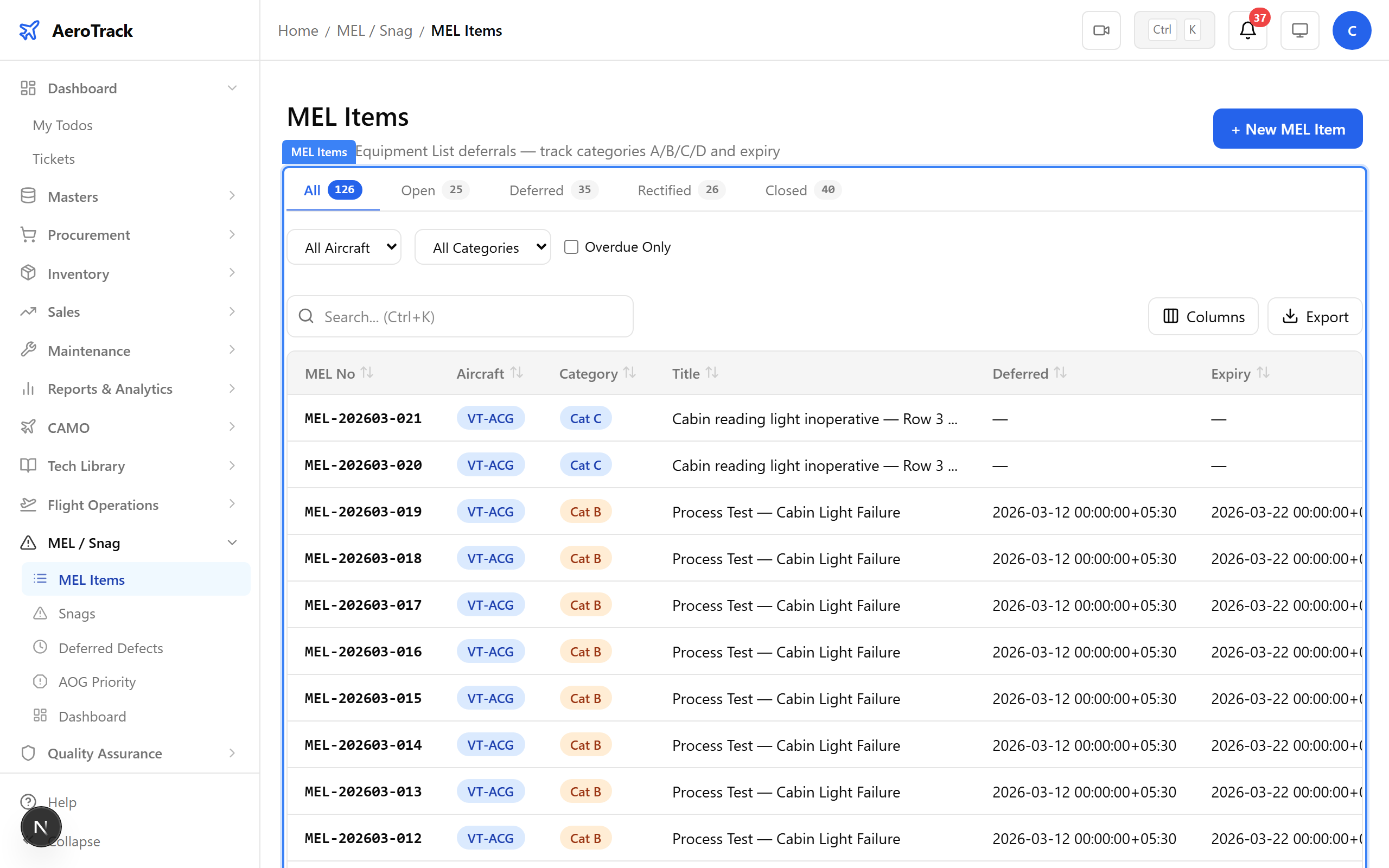
Navigate to MEL/Snag → MEL Items. MEL (Minimum Equipment List) items track defects that have been deferred — the aircraft can continue flying with conditions. Each row shows the MEL reference, category, status, and deadline.
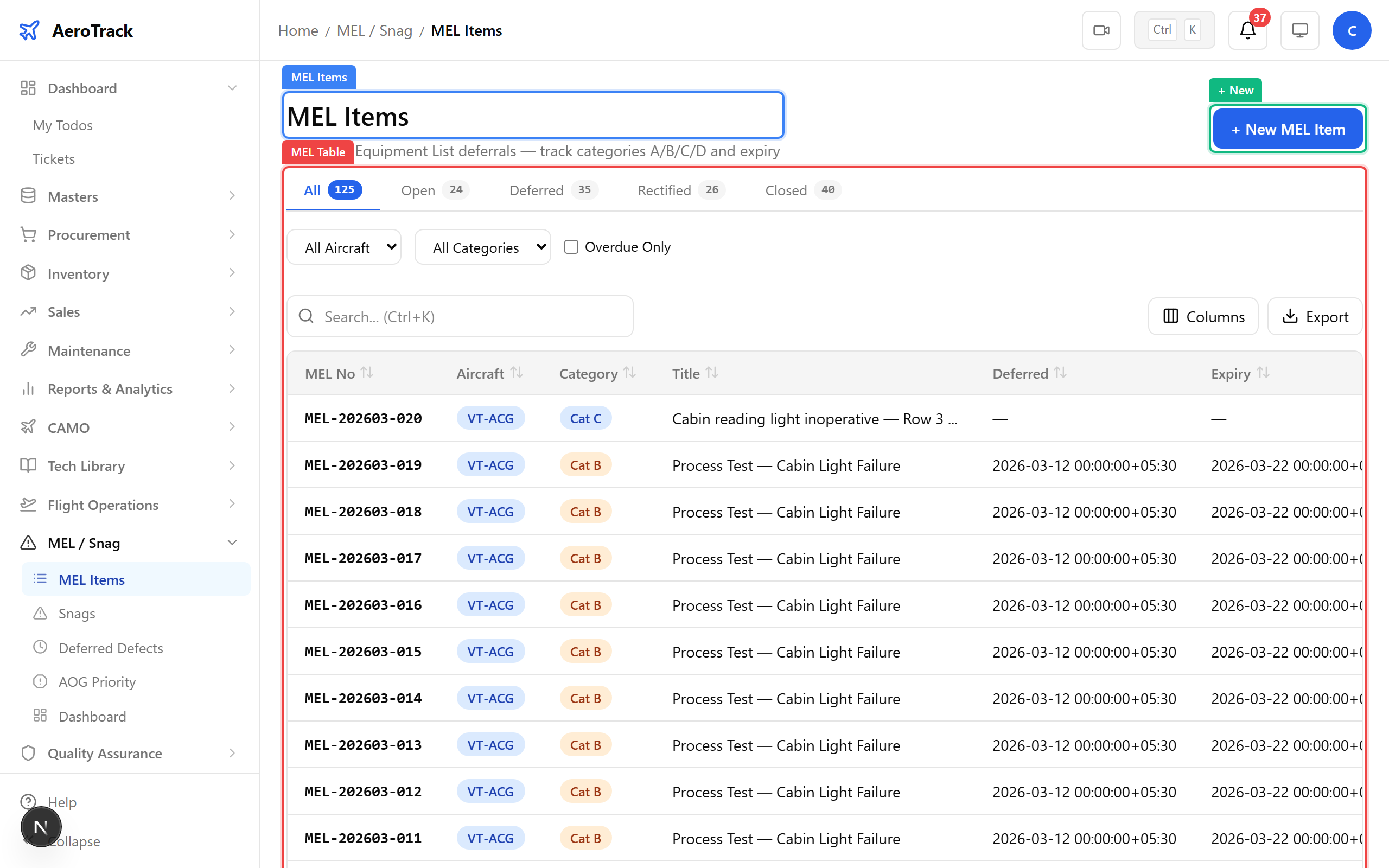
▲ MEL items — tracking deferred defects within regulatory limits.
Click + New. The cabin light defect can be deferred under MEL Category C, giving a 10-day rectification window. Link it to the snag report, set the deferral date and deadline, and add any operational limitations.
| Field | Purpose |
|---|---|
| Aircraft | Which aircraft the deferral applies to |
| MEL Reference | Reference number from the DGCA-approved MEL document |
| ATA Chapter | System chapter (33 — Lights) |
| Category | A (3 days), B (3 days), C (10 days), or D (120 days) |
| Deferral Date | Date the defect was deferred |
| Rectification Deadline | Must be fixed by this date (category-dependent) |
| Linked Snag | Cross-reference to the original snag report |
| Operational Limitations | Any restrictions while the defect is deferred |
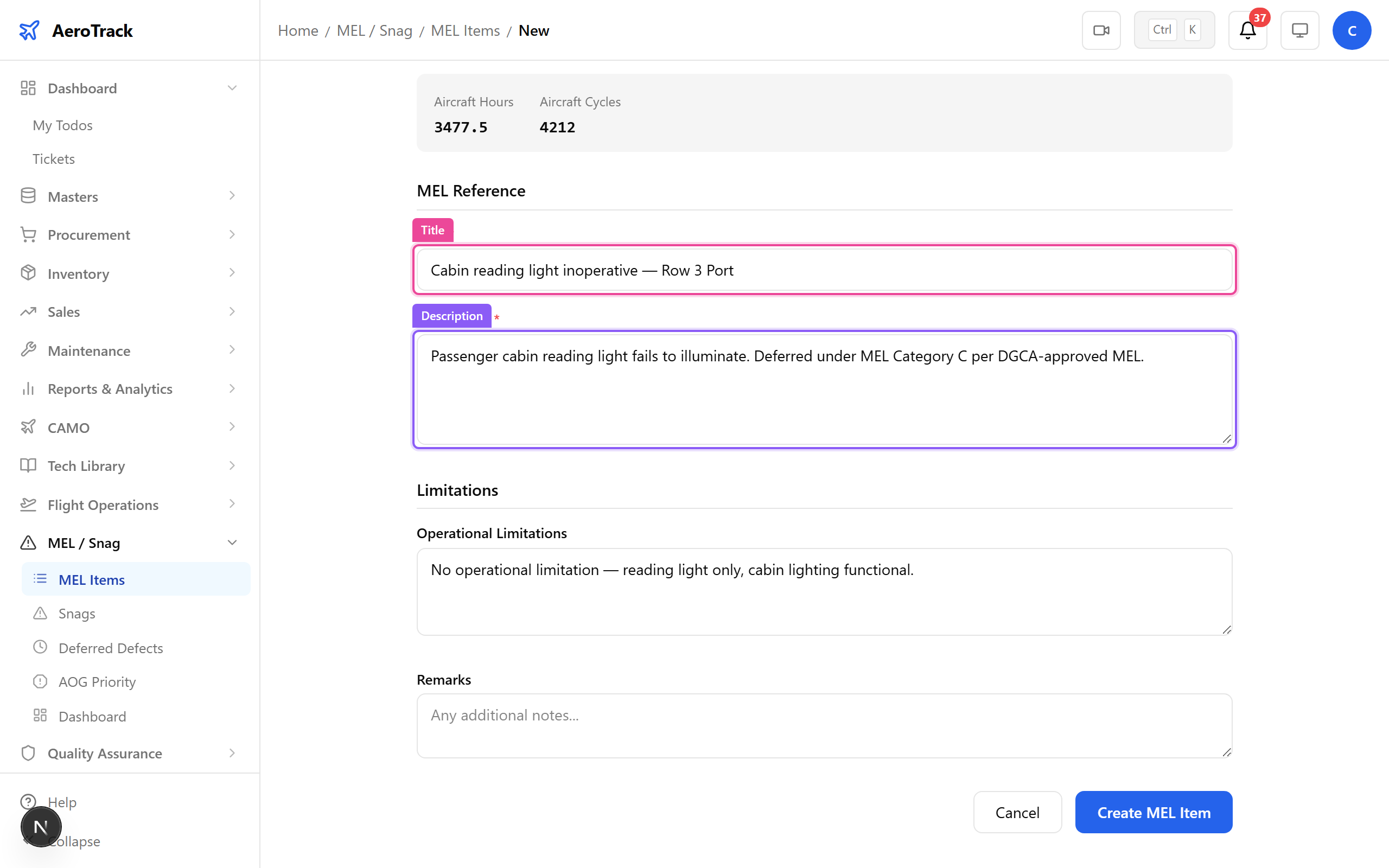
▲ Deferring the cabin light under MEL Category C — 10-day rectification window.
After saving, the MEL detail page shows the deferral with a DEFERRED status badge. The deadline countdown begins immediately. If operational limitations were set, they appear as a yellow warning banner.
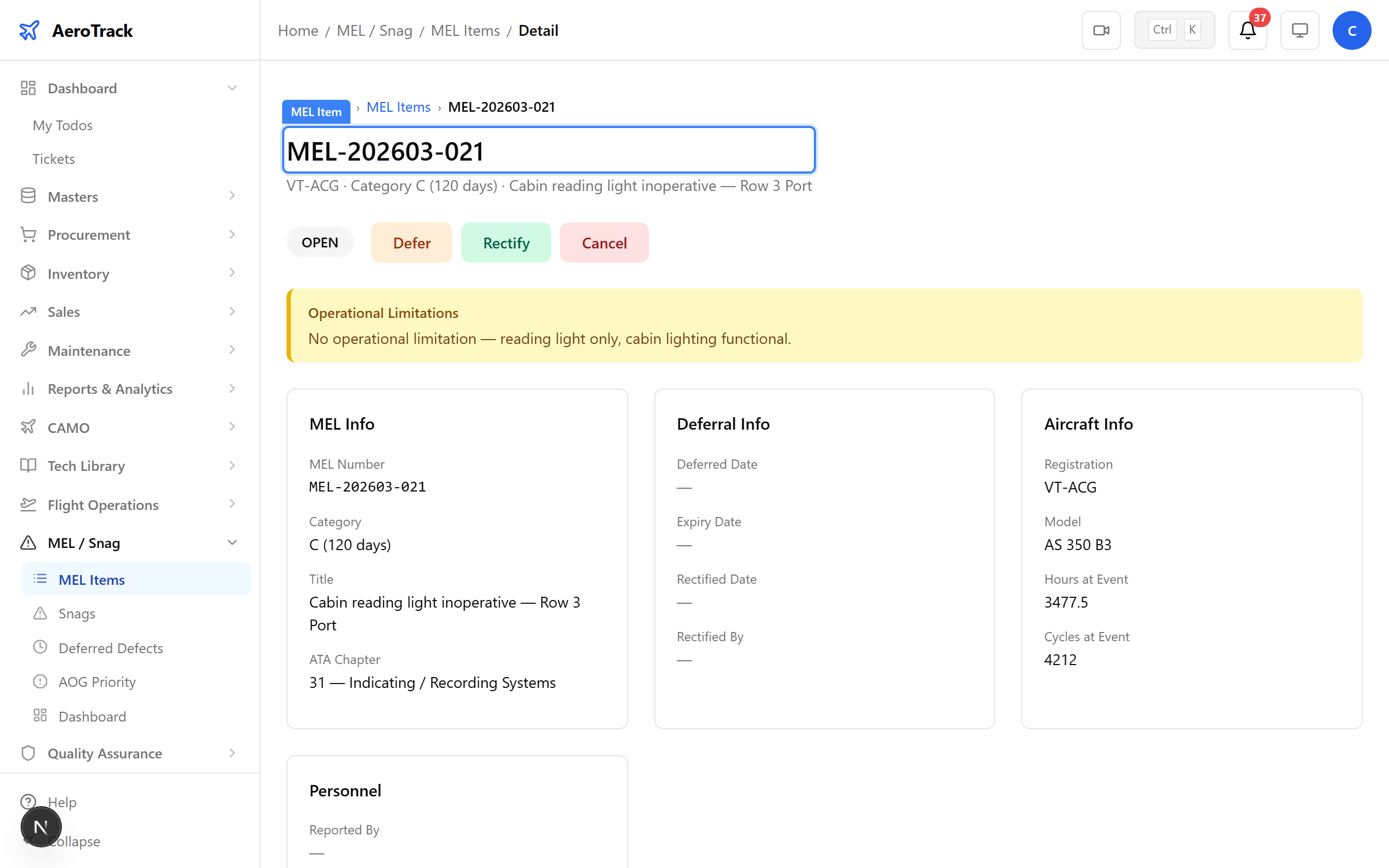
▲ MEL item deferred — the countdown to rectification begins.
Navigate to MEL/Snag → Deferred Items. This view shows all currently deferred MEL items across the fleet. Monitor deadlines here — items approaching expiry are highlighted.
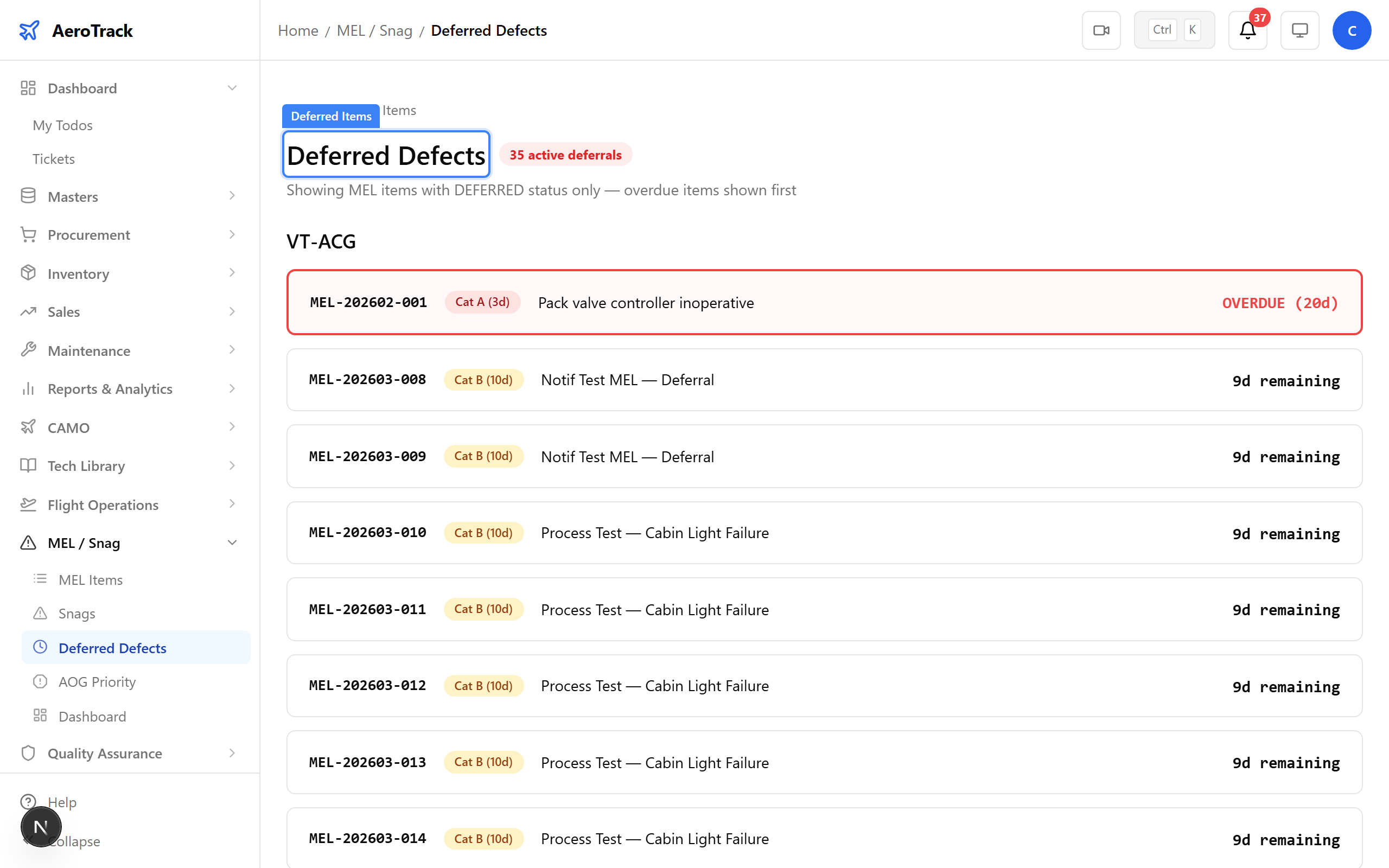
▲ All currently deferred MEL items — monitor deadlines before they expire.
Navigate to MEL/Snag → AOG. Aircraft on Ground — these are aircraft grounded due to unresolved defects that cannot be deferred. AOG items get highest priority for parts and labour allocation.
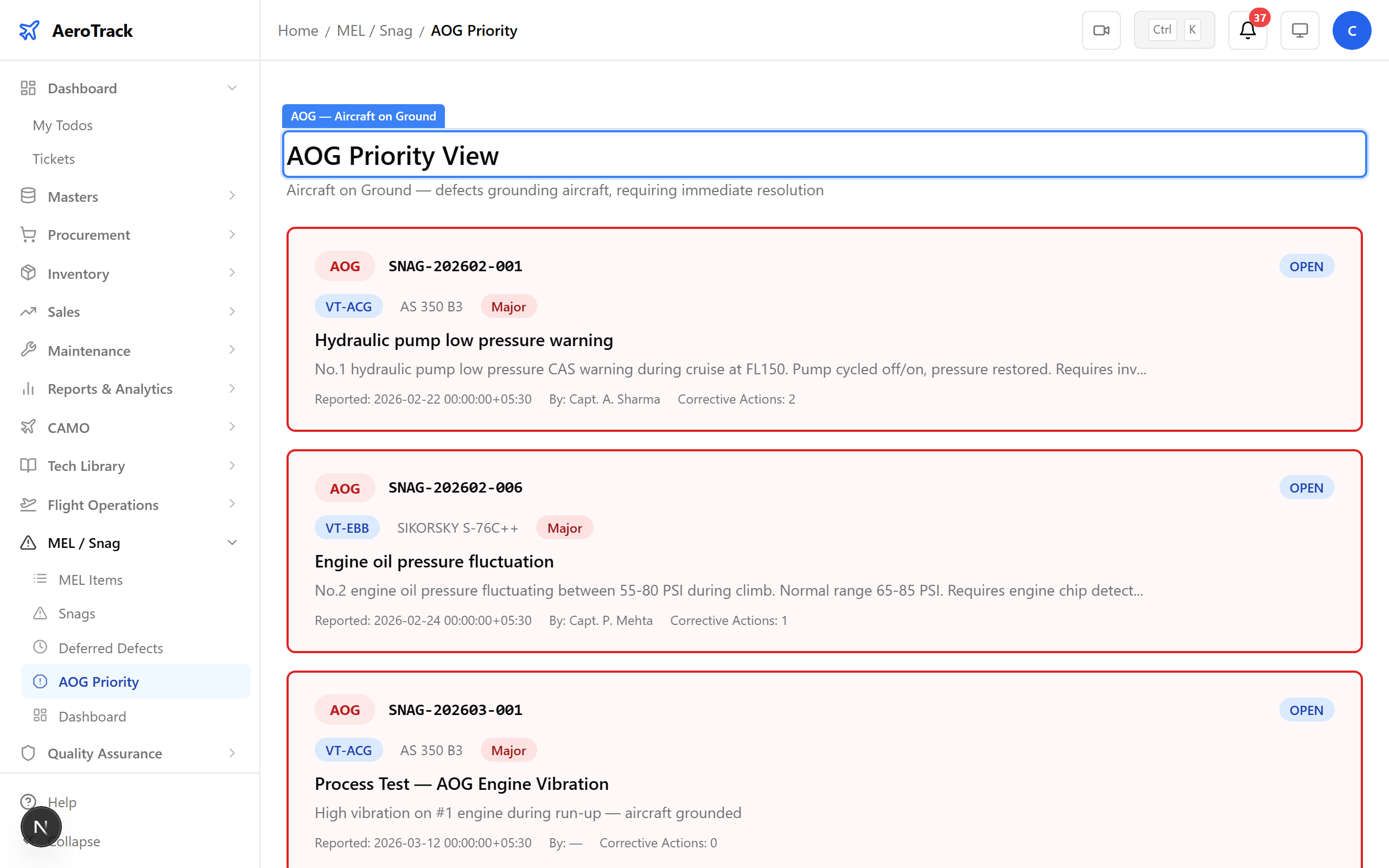
▲ AOG tracking — aircraft grounded due to unresolved defects.
When the repair is complete, open the MEL item and click Rectify. A dialog captures the rectification details: work description, parts replaced, certifying engineer, licence number, and work order reference. This creates a permanent maintenance record.
▲ Recording the rectification — the cabin light has been replaced.
After submitting the rectification details, the status changes to RECTIFIED. The rectification details card shows the work performed, the engineer who certified it, and their licence number. The item now awaits admin closure.
▲ Rectified — pending final review and closure.
Log out of the CAMO engineer account and log in as admin@aerotrack.local. The admin has authority to close MEL items after verifying the rectification was completed correctly.
Check the notification bell. When a MEL item is deferred, the system generates a mel_deadline notification to admins. Overdue deferrals trigger additional alerts so nothing slips through.
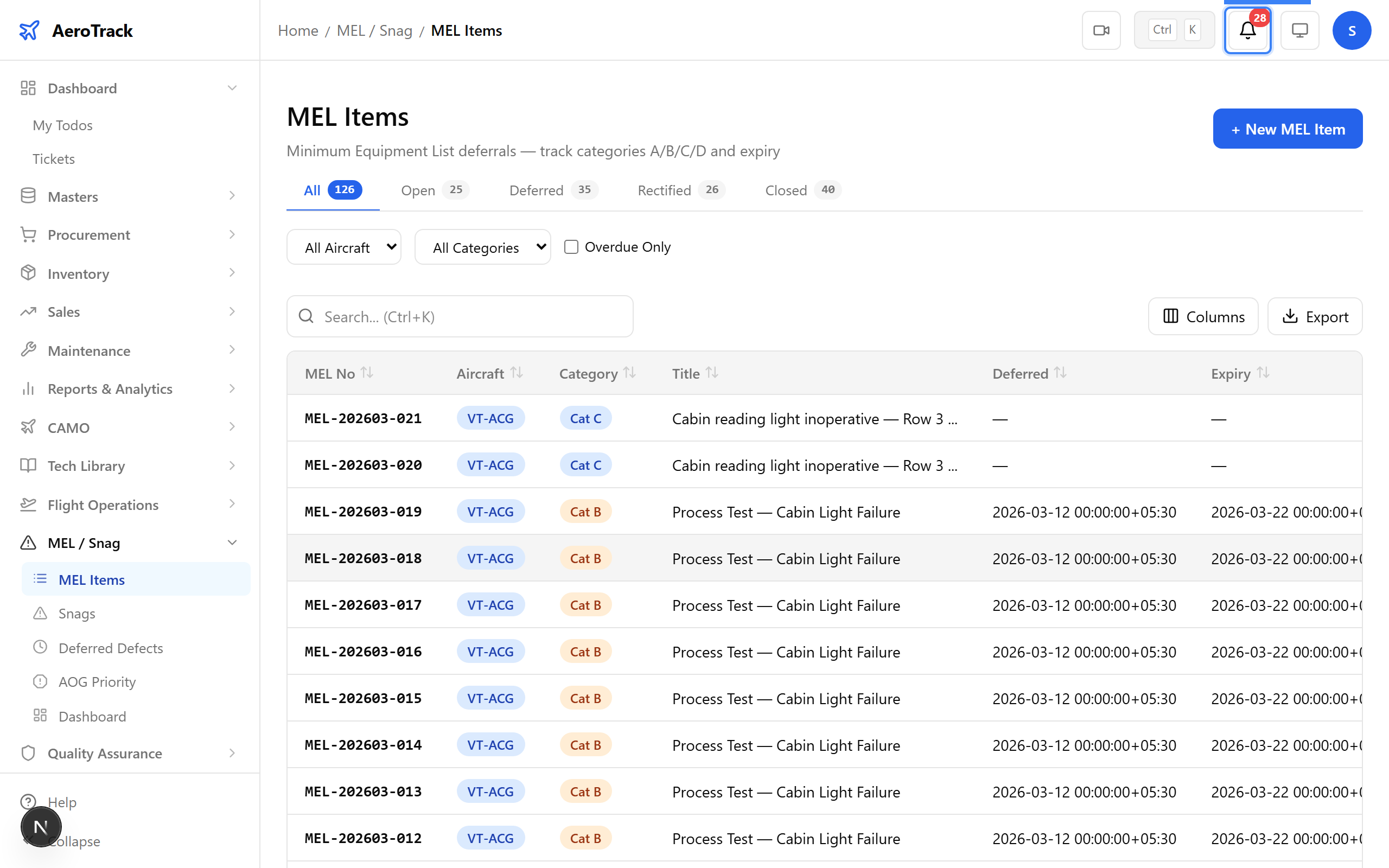
▲ Admin receives notifications for approaching MEL deadlines.
Navigate to the rectified MEL item and click Close. The admin verifies that the rectification was performed correctly, the certifying engineer’s details are recorded, and the aircraft is fully serviceable.
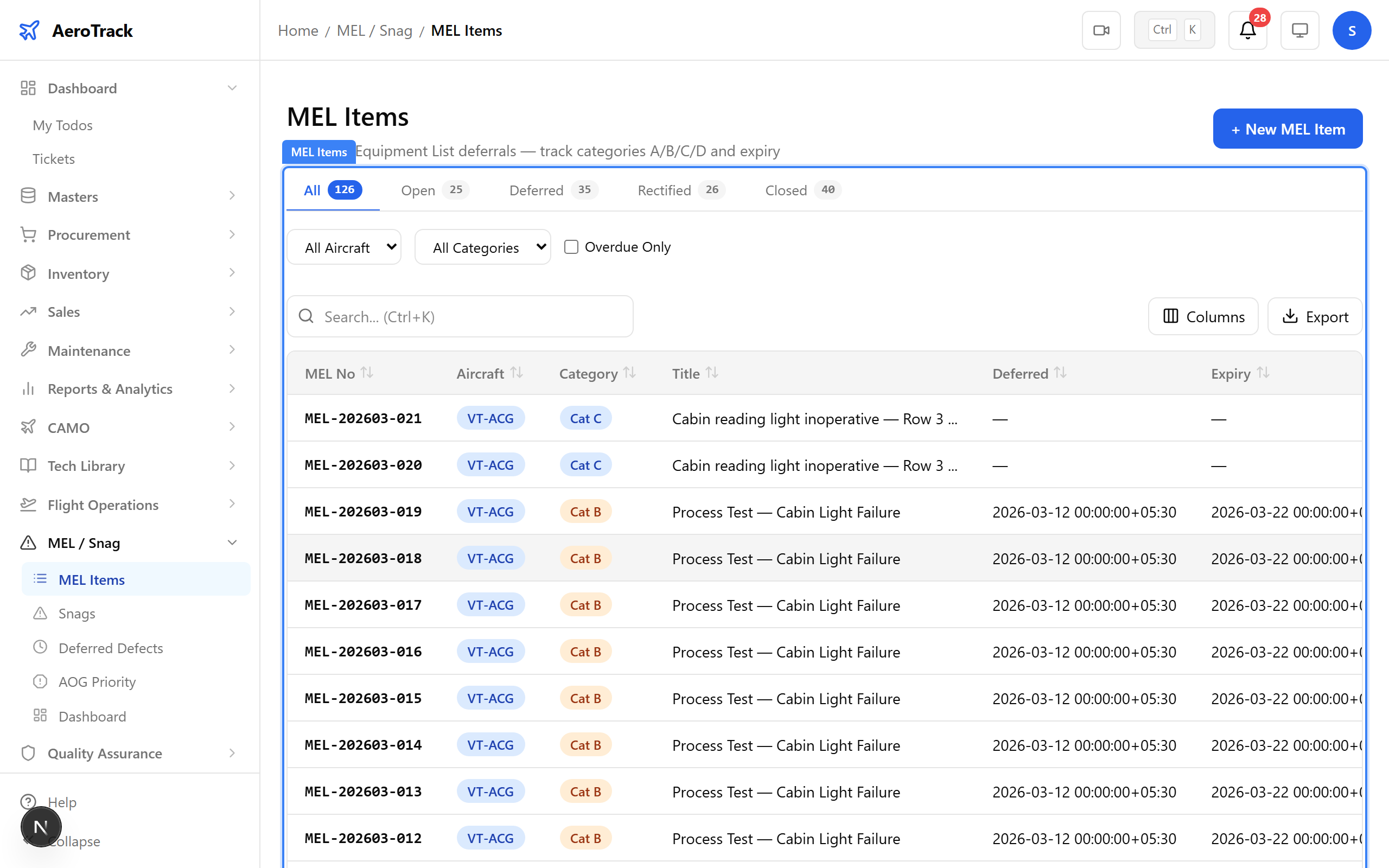
▲ Admin closes the MEL item after verifying rectification.
The MEL item now shows CLOSED. The full lifecycle is complete: snag reported → MEL deferred → rectified → closed. The aircraft is fully serviceable with no outstanding deferrals against this item.
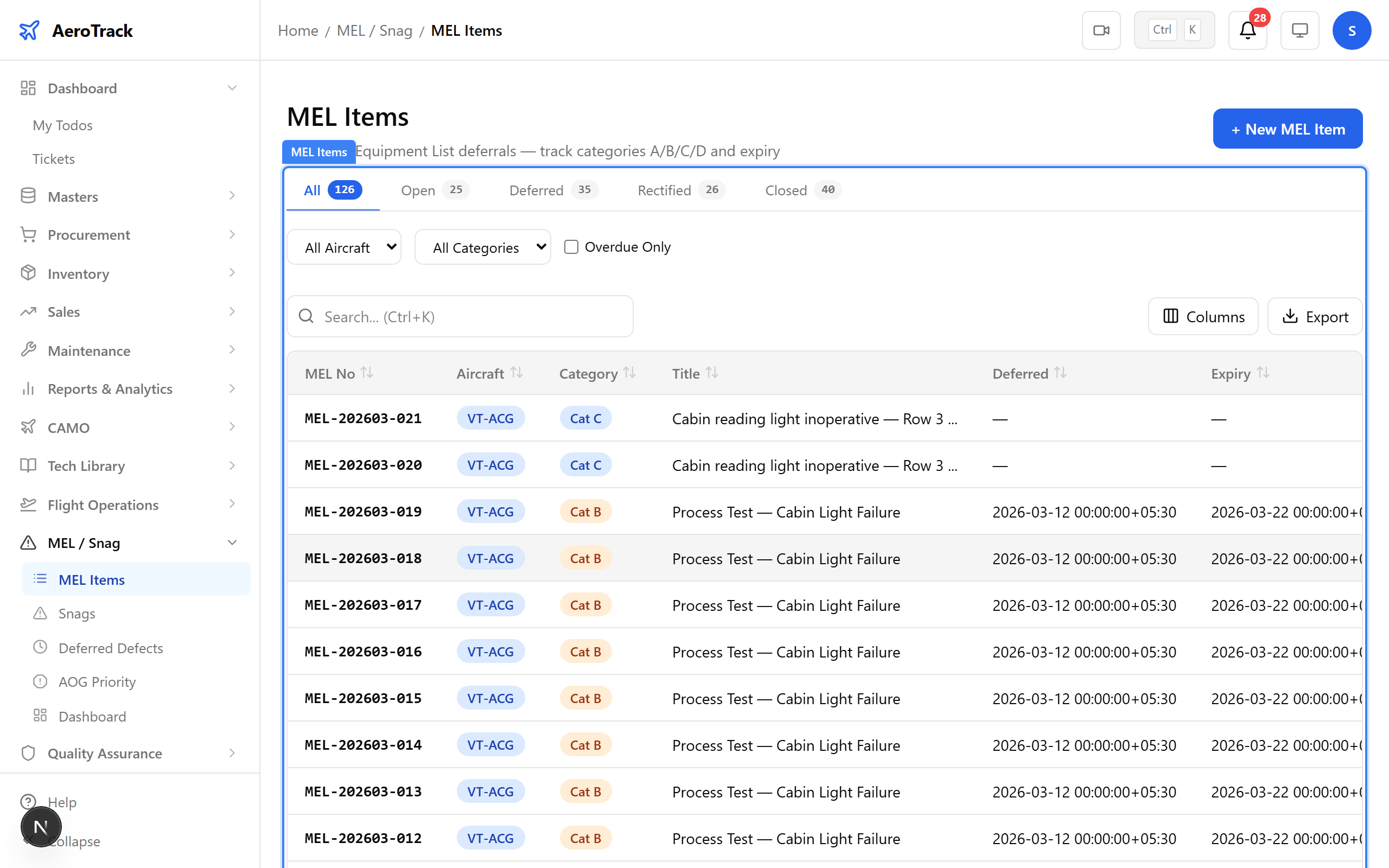
▲ Closed — the full MEL lifecycle complete. Aircraft fully serviceable.