Navigate to HR in the sidebar. The landing page shows module cards — Employees, Licences, Training, Duty Roster, and the Dashboard.
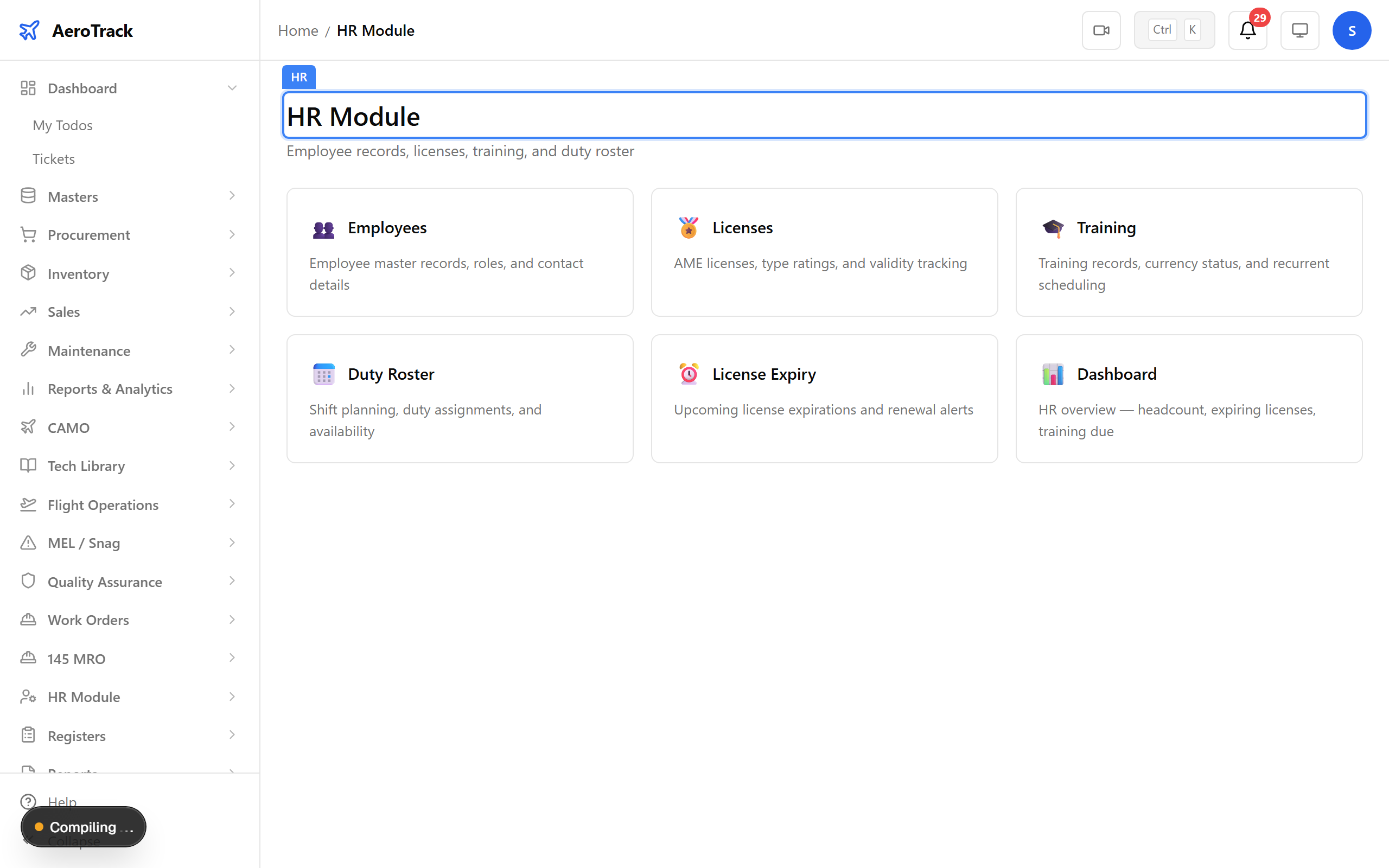
▲ HR — manage personnel, qualifications, and licence tracking.
Navigate to HR → Dashboard. Summary cards show total staff, expiring licences, and training due. Red counts flag items needing immediate attention.
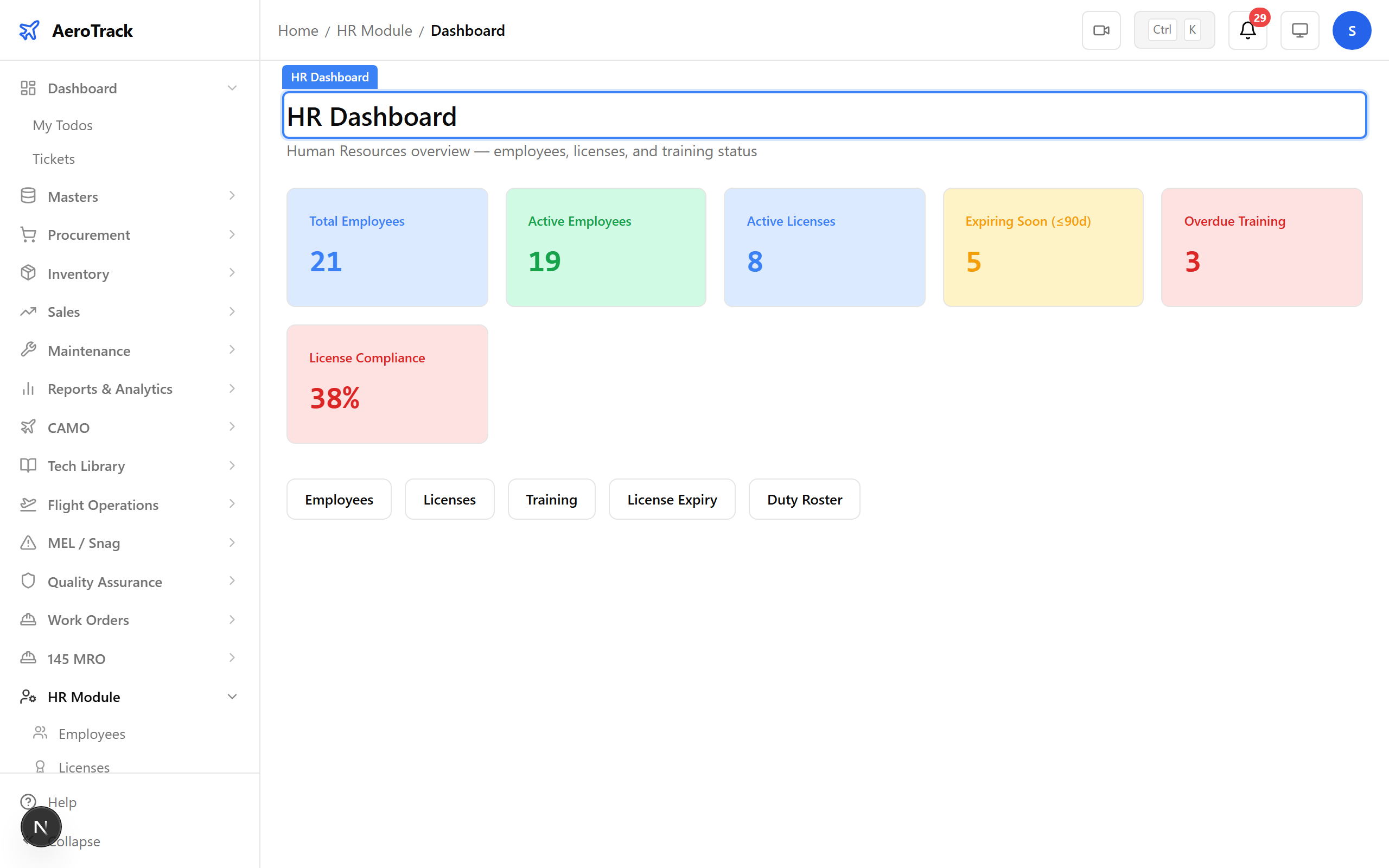
▲ Dashboard — workforce overview, licence expirations, and training status.
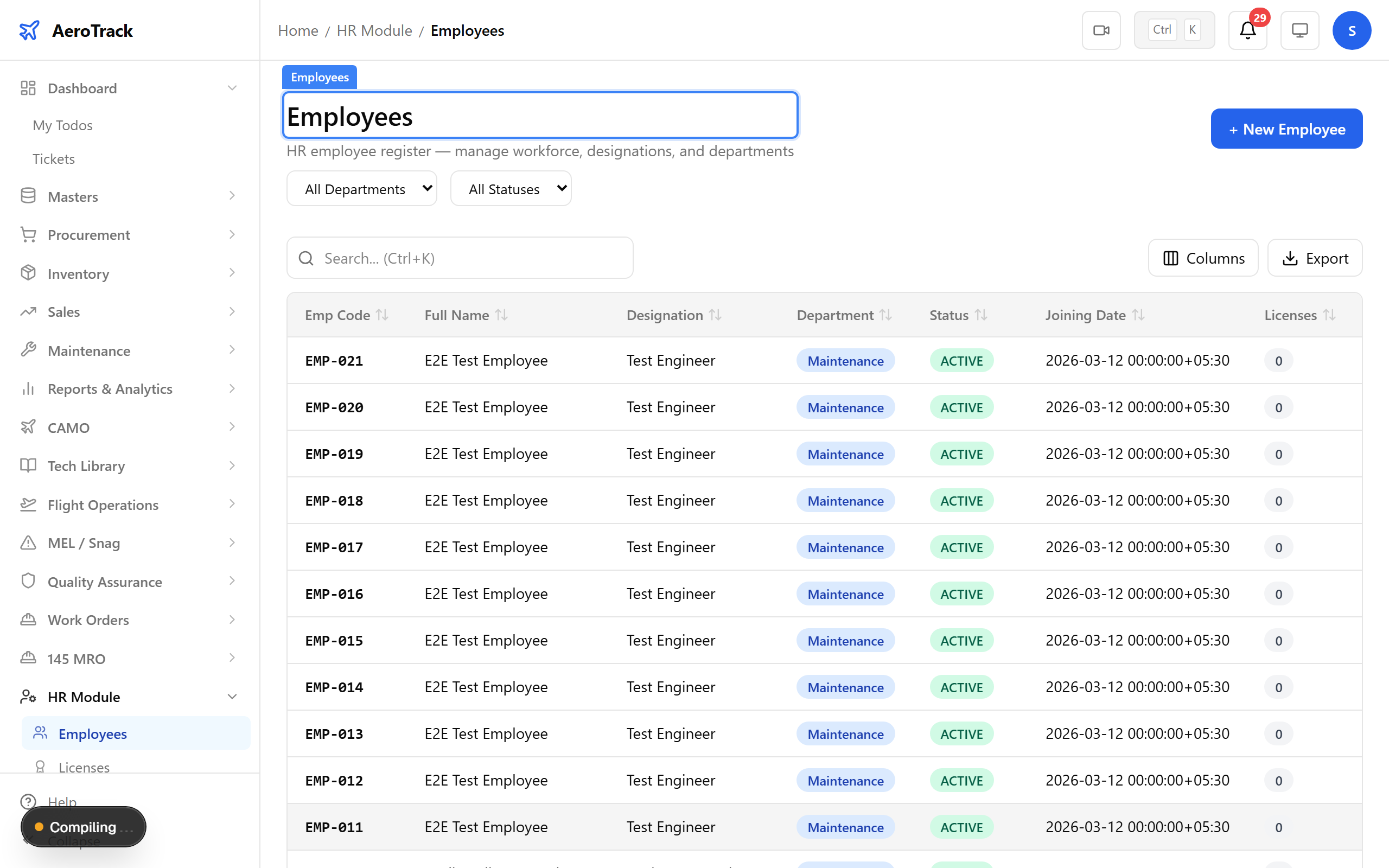
Navigate to HR → Employees. All personnel are listed with their employee ID, name, designation, department, and licence status. Click + New to onboard someone.
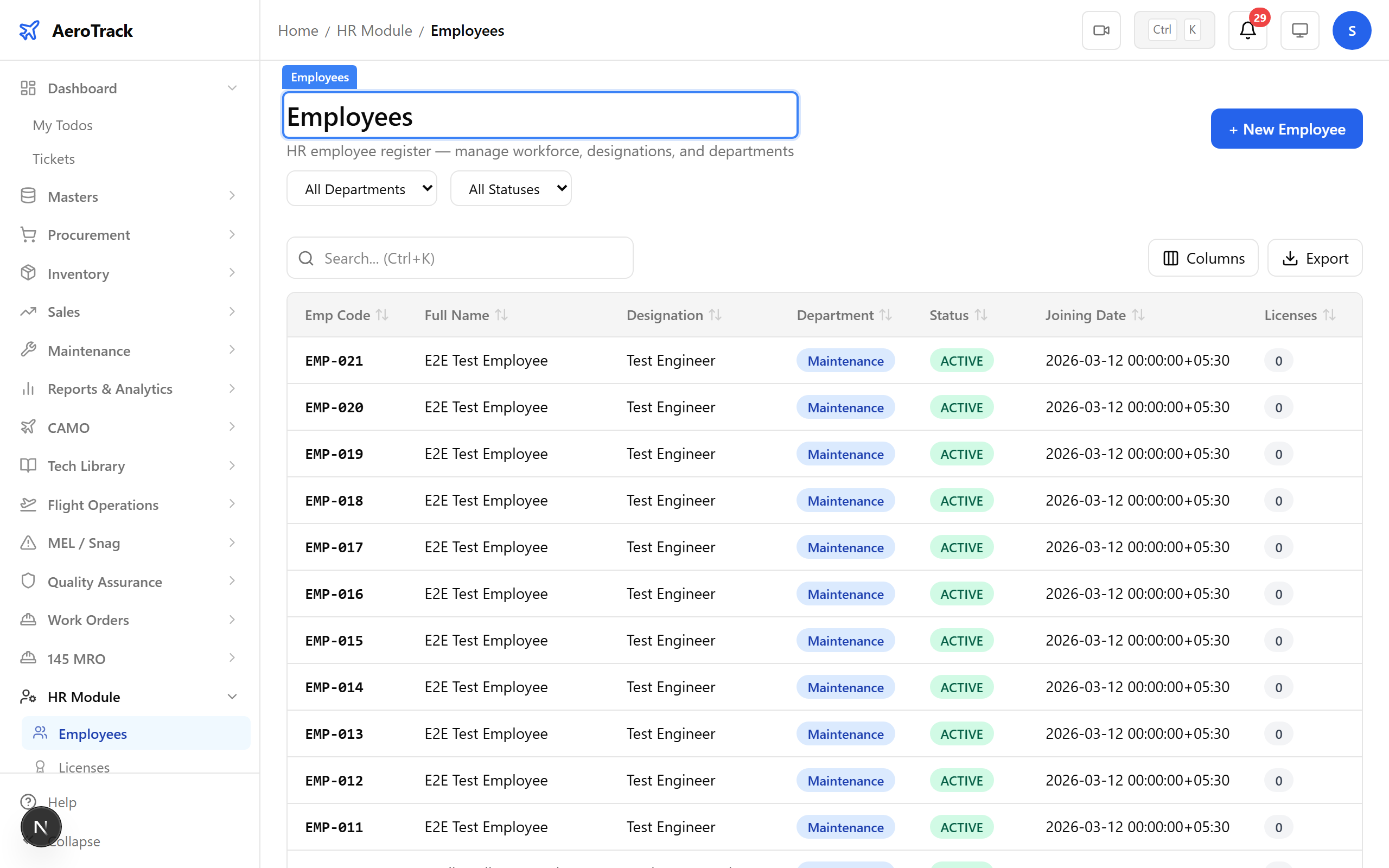
▲ Employee registry — every engineer, technician, and officer in your organisation.
Click + New. A new AME is joining the maintenance team. Fill in their personal details, qualifications, and licence information.
| Field | Purpose |
|---|---|
| Name | Full name of the employee |
| Employee ID | Unique identifier (e.g. EMP-007) |
| Designation | Job title — Aircraft Maintenance Engineer, Technician, etc. |
| Department | Maintenance, Quality, Flight Ops, etc. |
| Date of Joining | When the employee started |
| Contact Details | Email and phone number |
| Qualifications | Educational background and certifications |
| Licence Number | DGCA AME licence reference |
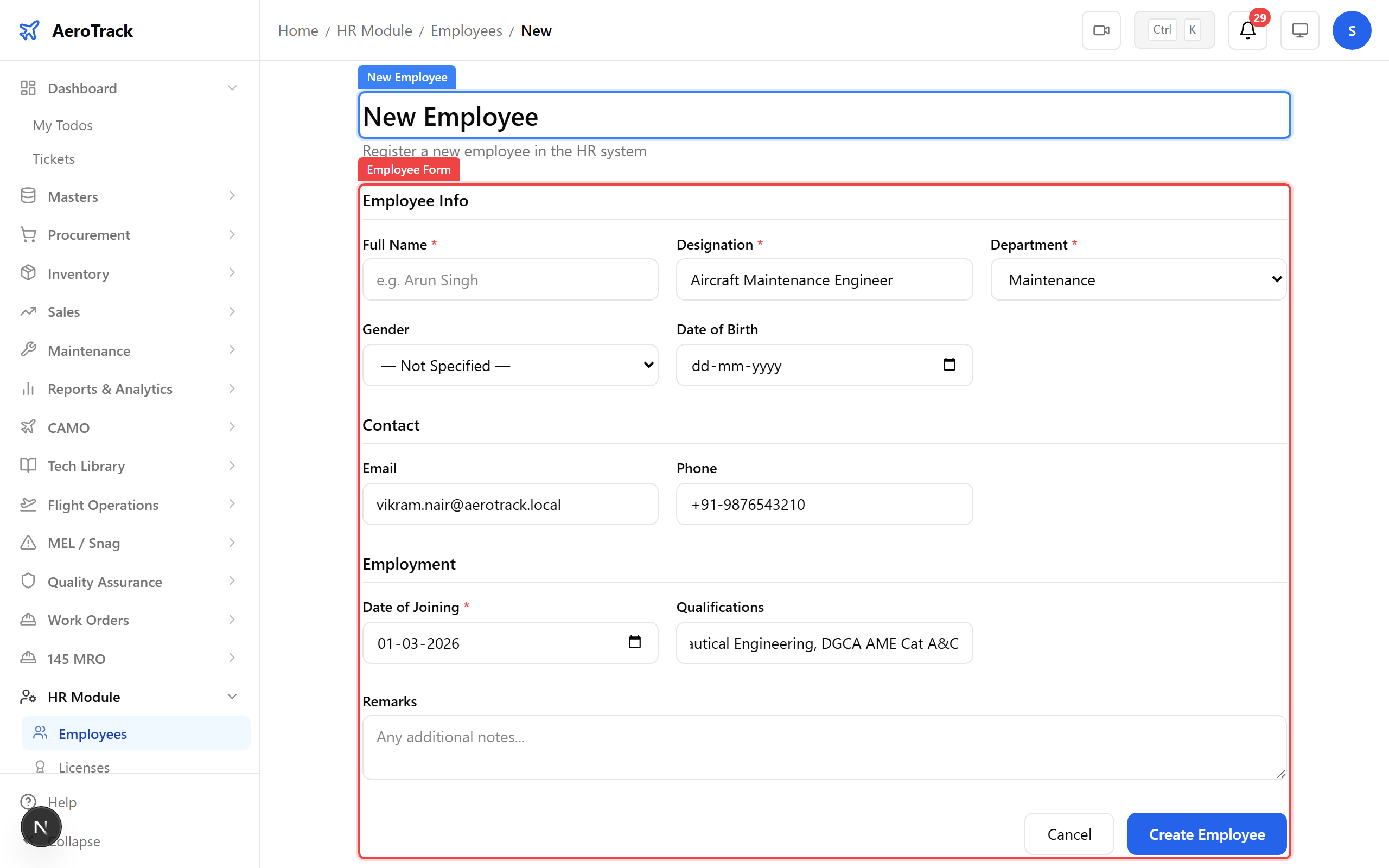
▲ Onboarding a new AME — personal details, qualifications, and licence information.
After saving, the employee appears in the registry. Their profile is now active and ready for licence and training records to be linked.
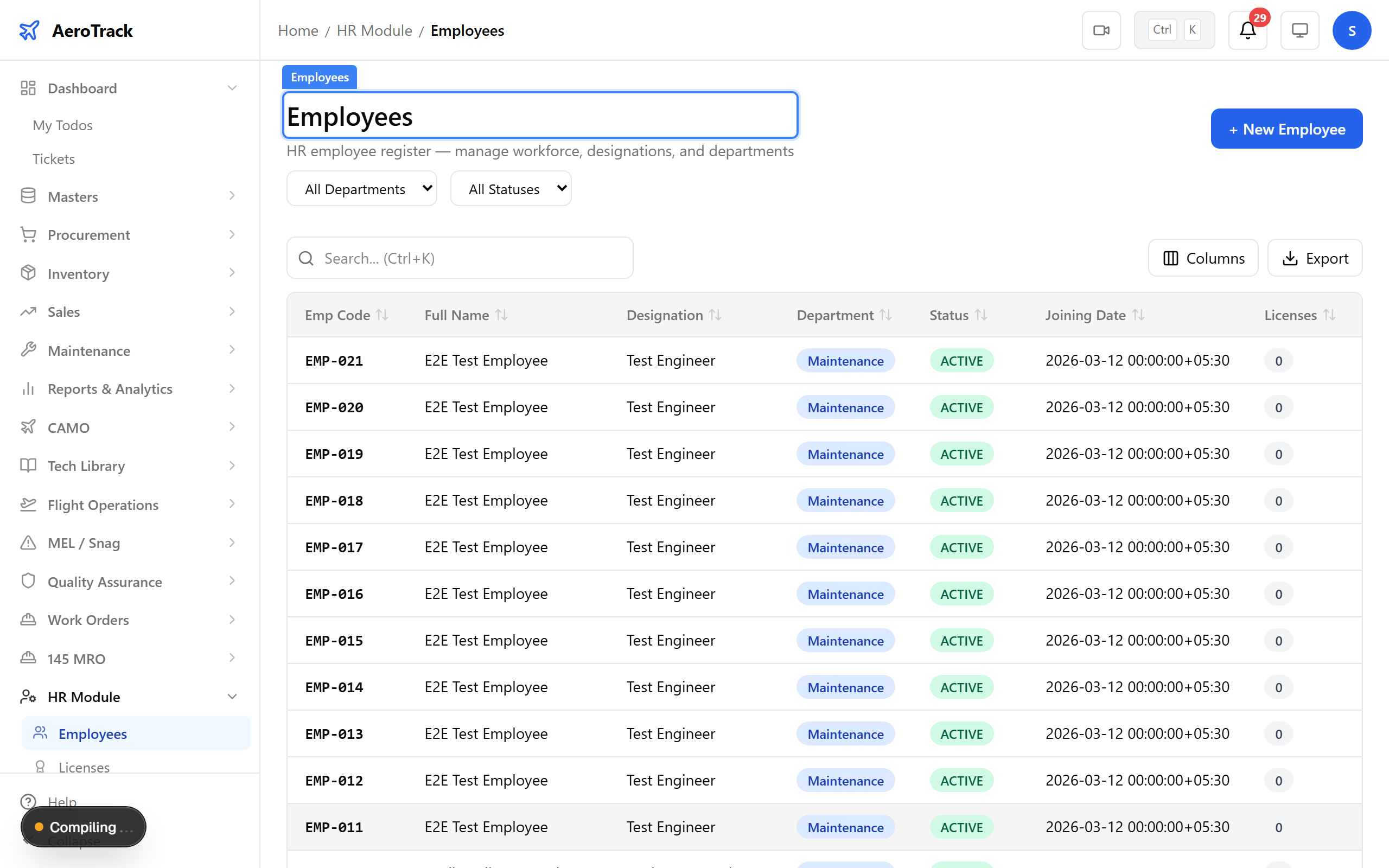
▲ Employee added — now tracked in the system with all certifications.
The employee detail page shows the full profile — personal information, linked licences with validity status, training history, and duty assignments. This is the single source of truth for workforce compliance.
▲ Employee profile — qualifications, licence validity, and training history at a glance.
Navigate to HR → Licences. All licences and certifications are listed with their type, employee, licence number, expiry date, and status. Colour-coded badges flag expired and soon-to-expire licences.
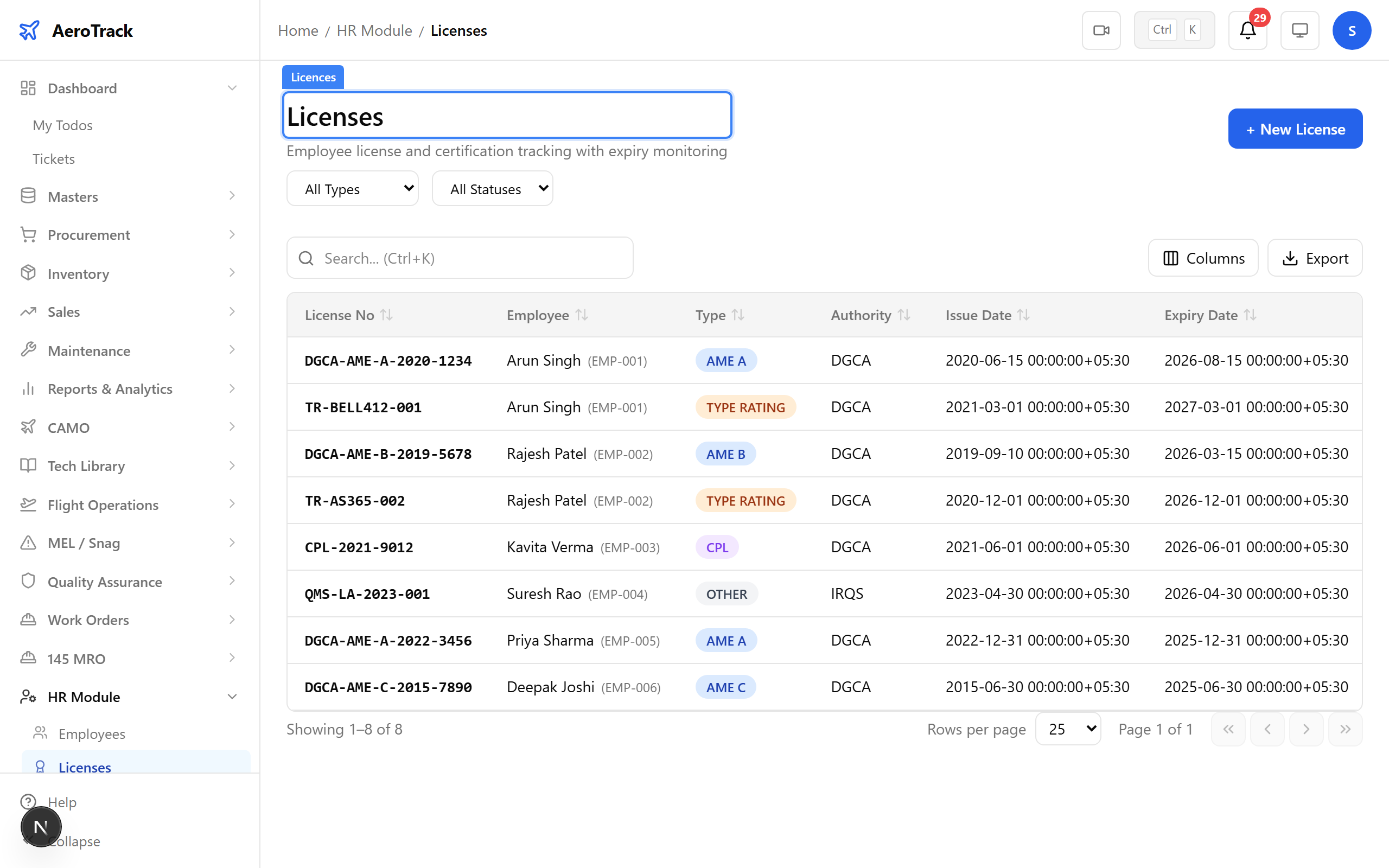
▲ Licence tracking — DGCA AME licences, type ratings, and authorisations.
Click + New. Record the new AME’s DGCA licence with type ratings, issue and expiry dates, and the issuing authority. The system calculates days remaining and triggers alerts as expiry approaches.
| Field | Purpose |
|---|---|
| Employee | The licence holder |
| Licence Type | AME Cat A, Cat B1, Cat B2, Cat C, etc. |
| Licence Number | Official DGCA licence reference |
| Issue Date | When the licence was issued or renewed |
| Expiry Date | When the licence expires — triggers alerts |
| Issuing Authority | DGCA, EASA, FAA, or other authority |
| Categories / Ratings | Type ratings and authorisation categories |
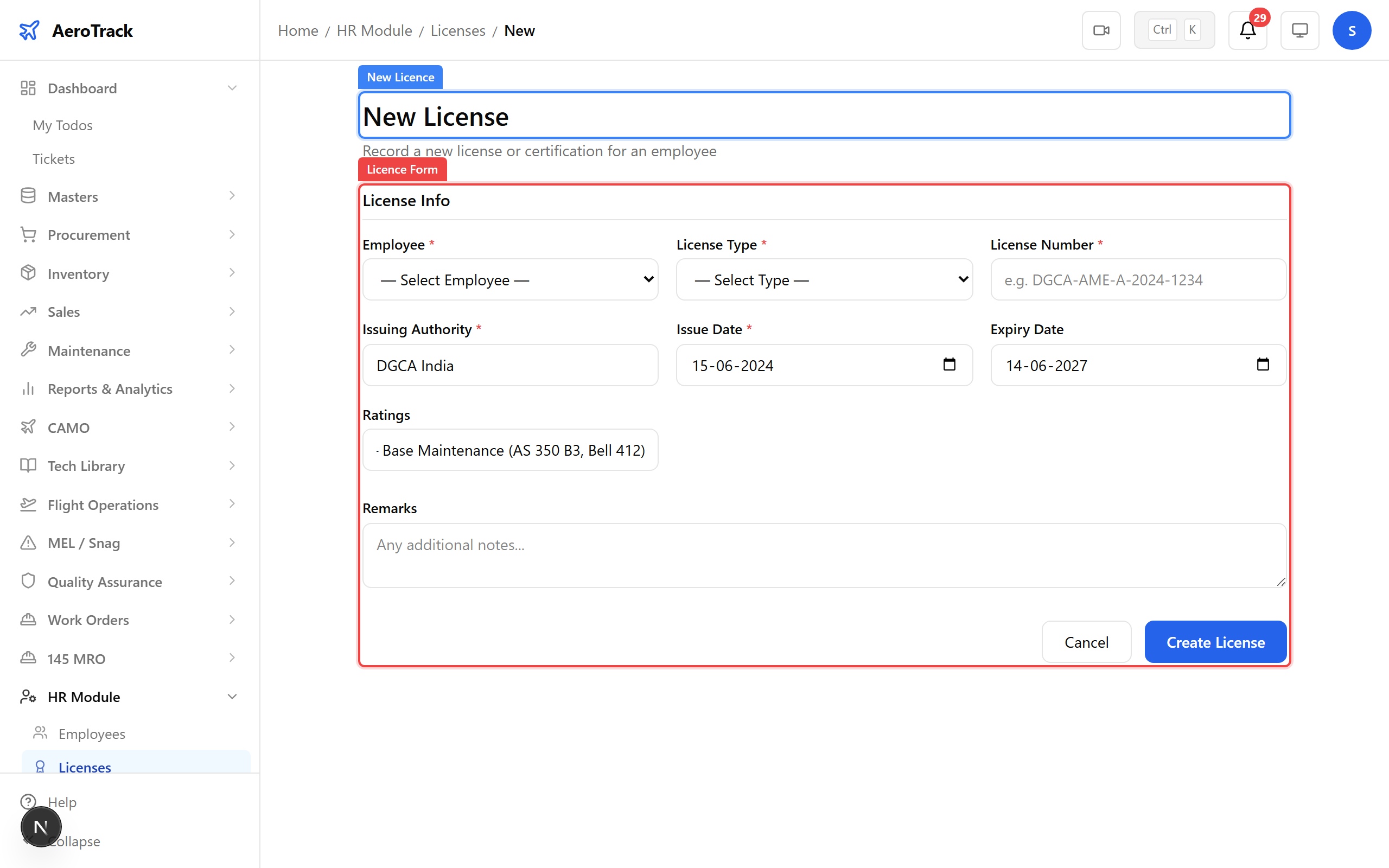
▲ Recording an AME licence — type ratings and validity tracked automatically.
After saving, the licence appears in the tracking list with its validity status calculated automatically. The system monitors expiry and flags licences at 90, 60, and 30 days before expiry.
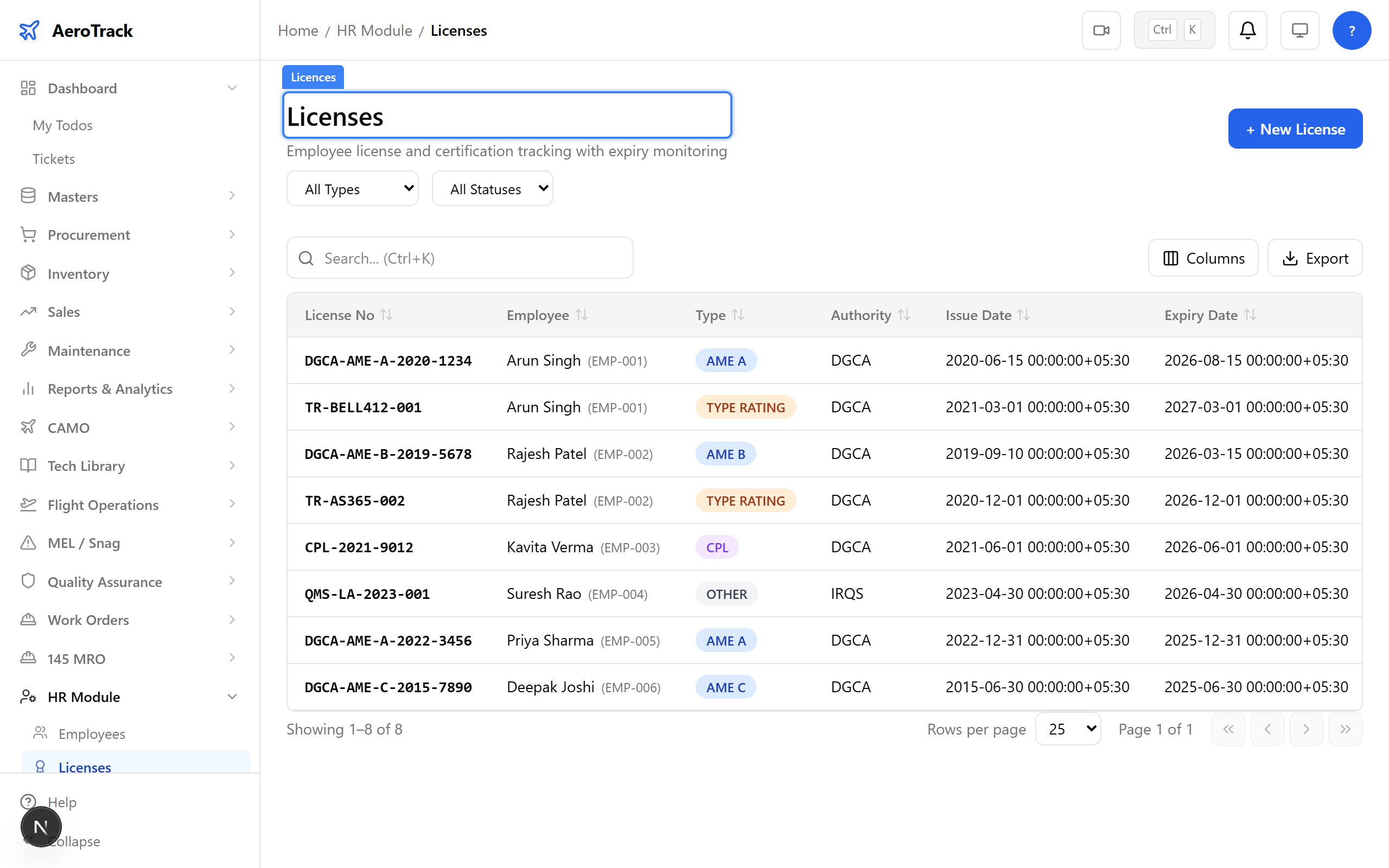
▲ Licence recorded — the system will alert before expiry.
Navigate to HR → Licence Expiry. This dedicated view highlights licences approaching expiry. Seed data includes 2 expired, 1 critical, and 2 warning — ensuring your workforce stays compliant.
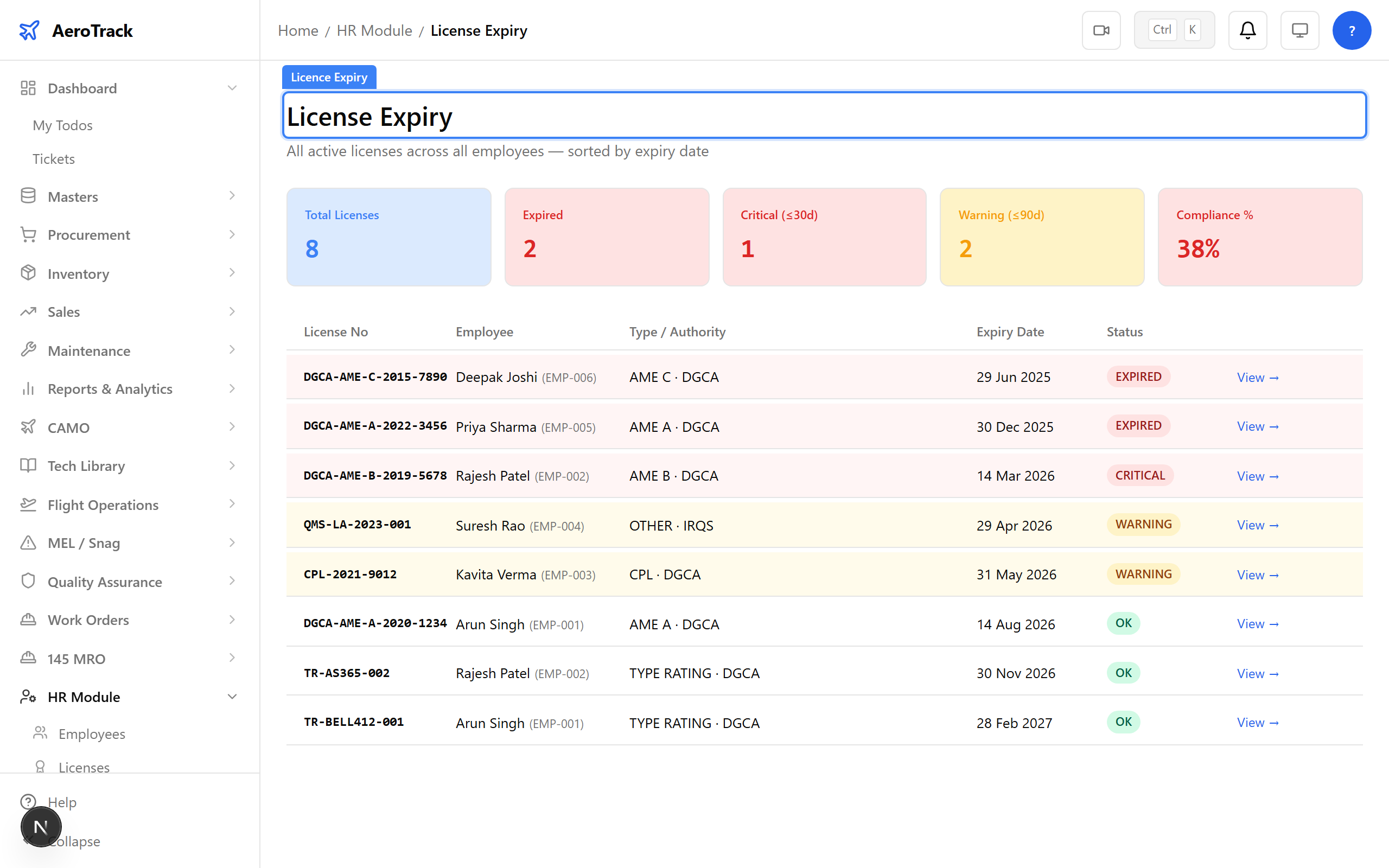
▲ Expiry alerts — licences flagged before they lapse, keeping your workforce compliant.
Navigate to HR → Training. All training records are listed with the employee, course, completion date, next due date, and status. Overdue and due-soon items are highlighted.
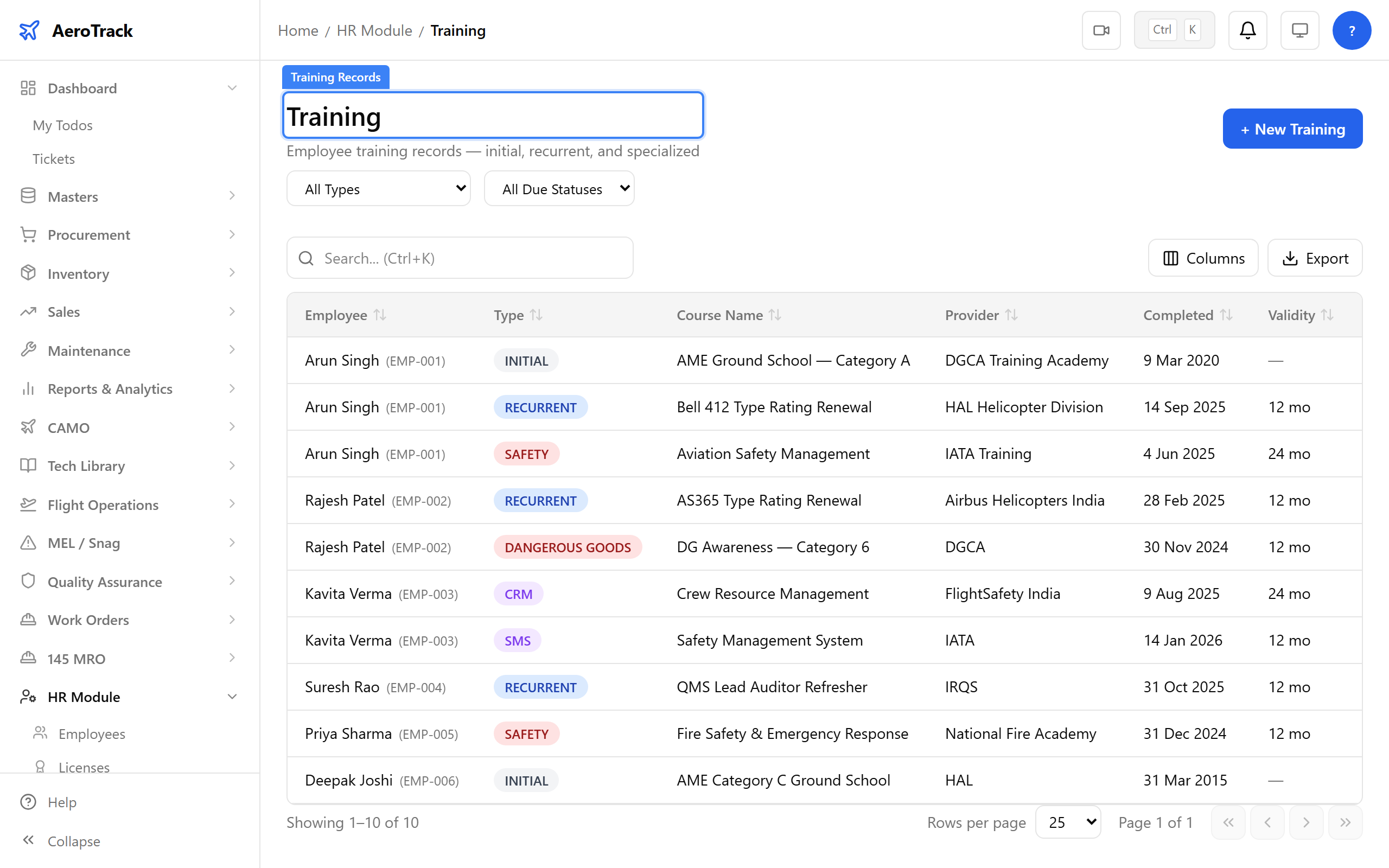
▲ Training records — courses, recurrent training, and compliance tracking.
Click + New. The new AME has completed their AS 350 B3 type rating renewal. Record the course name, completion date, next due date, and certificate reference. The system calculates the recurrence interval automatically.
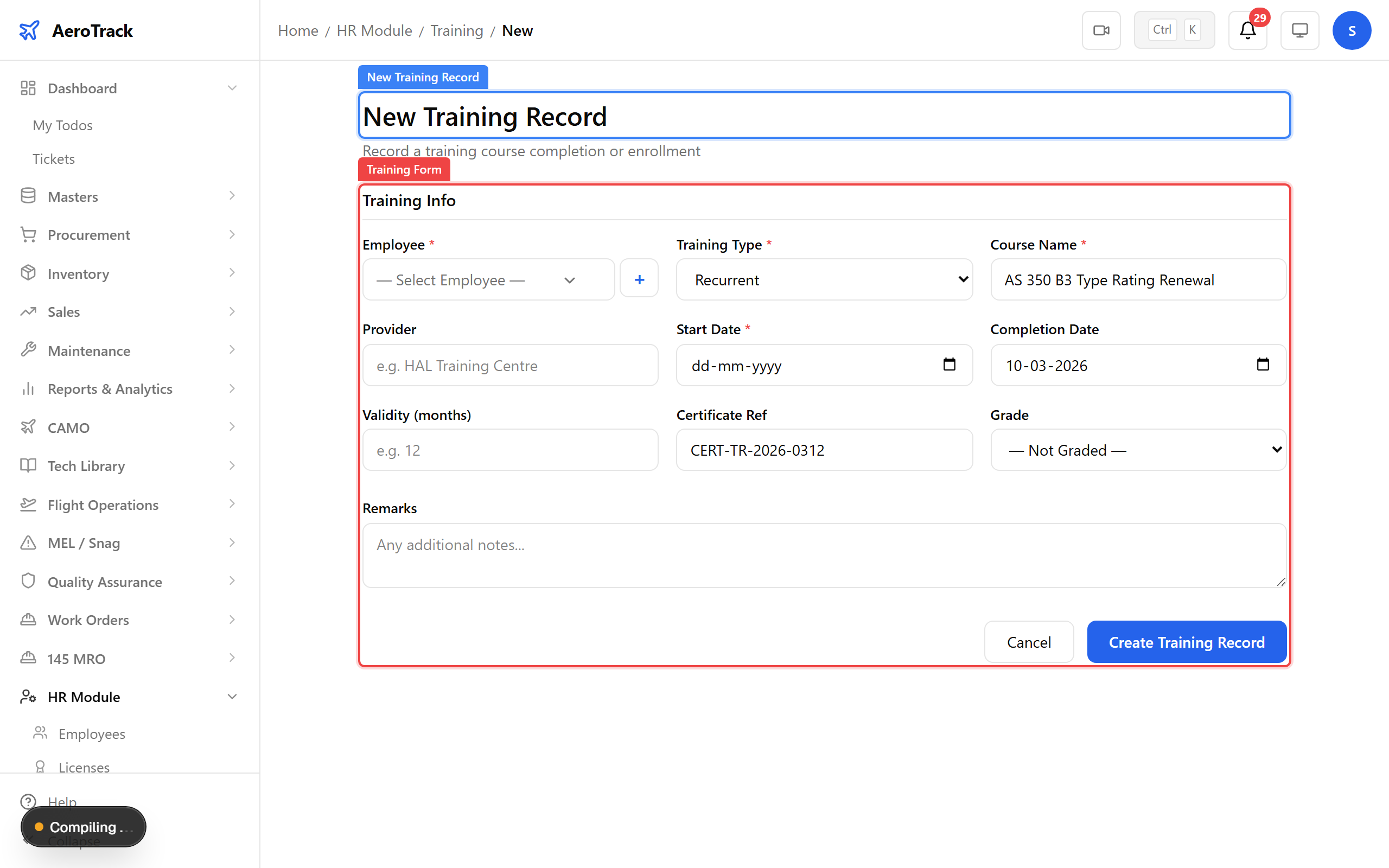
▲ Logging a recurrent training completion — next due date calculated automatically.
After saving, the training record appears in the list. The compliance calendar now tracks the next due date and will flag it when recurrent training is approaching.
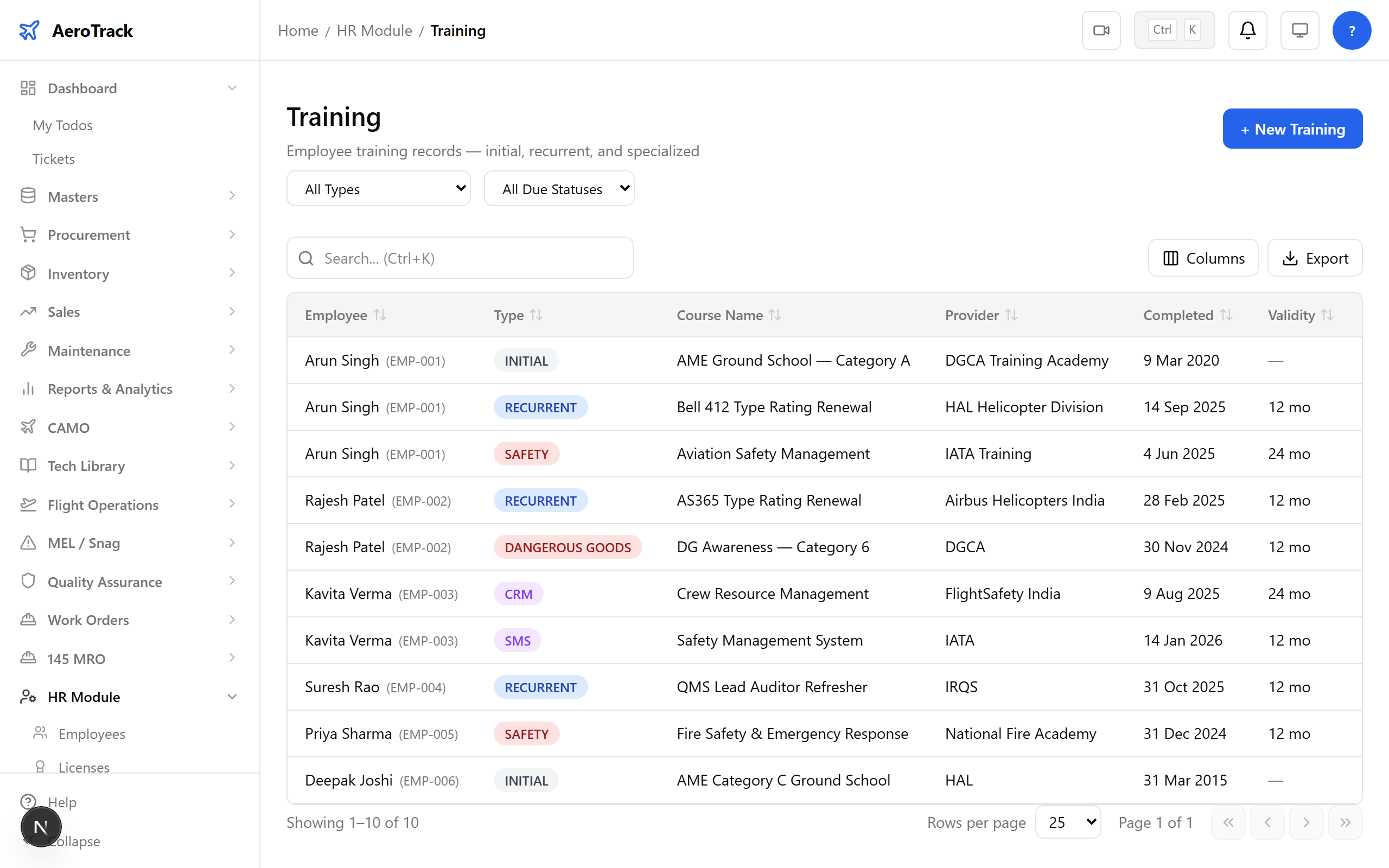
▲ Training logged — compliance calendar updated.
The HR module ties everything together: employee profiles link to their licences and training records. Expiry alerts and compliance tracking ensure the organisation is always audit-ready — no manual spreadsheets, no missed renewals.
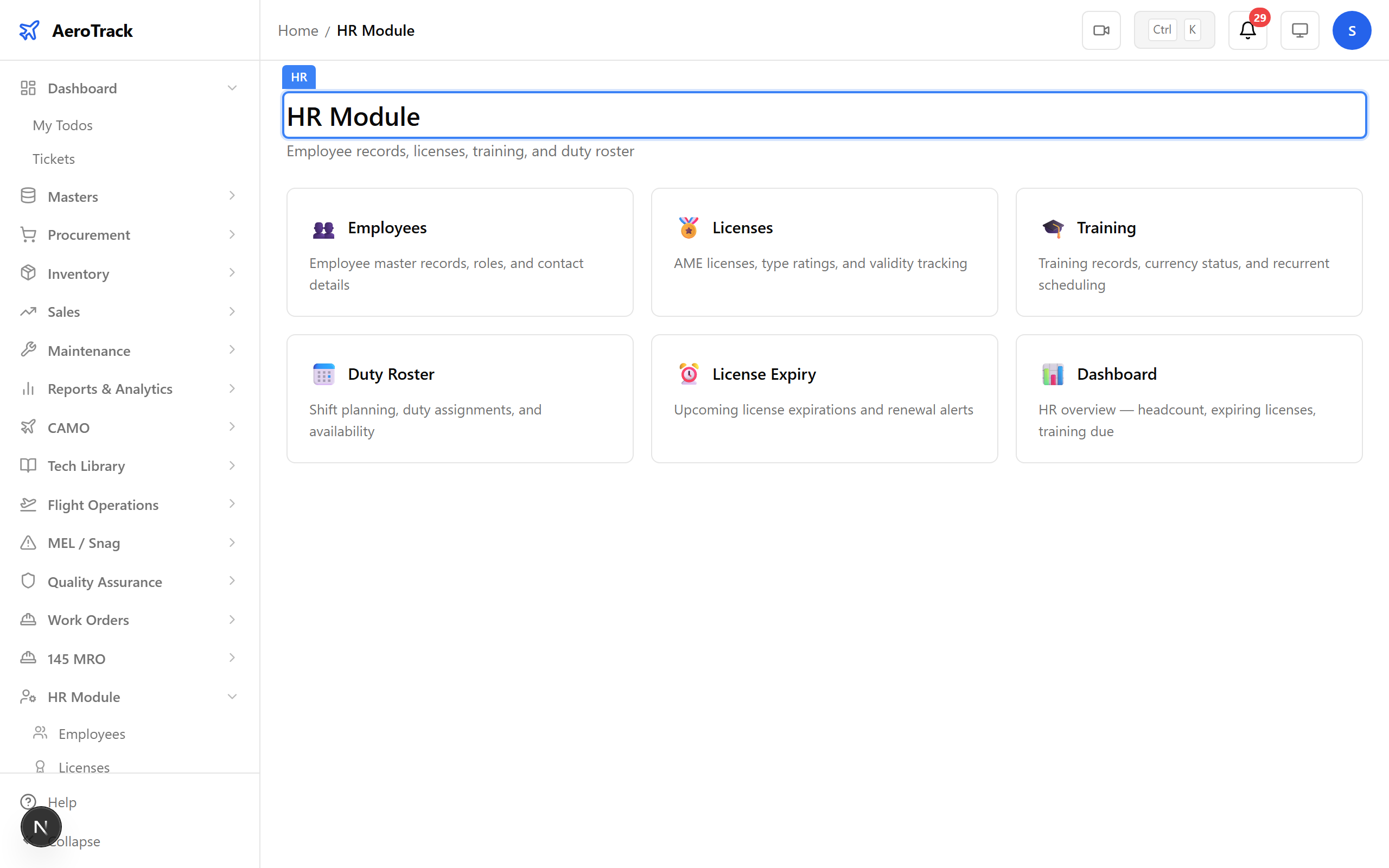
▲ The complete HR picture — personnel, licences, and training in one place.