MEL/Snag Dashboard
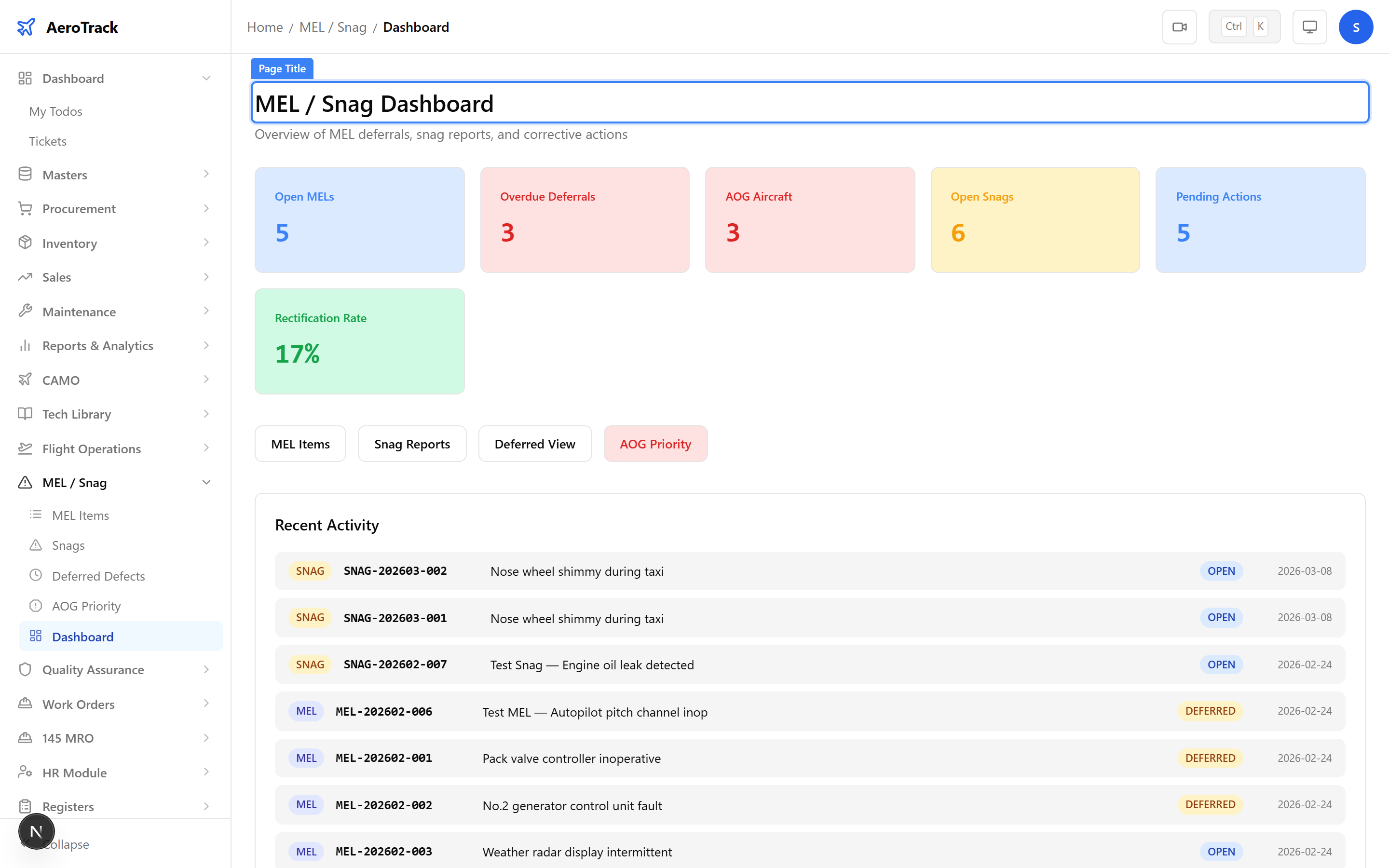
Navigate to MEL/Snag → Dashboard. The page
at /mel-snag/dashboard shows KPI cards for active MEL
items, overdue deferrals, open snags, and AOG aircraft. Quick-access
links lead to dedicated views:
| View | Route | Shows |
|---|---|---|
| Deferred Items | /mel-snag/deferred | All currently deferred MEL items, sorted by deadline. |
| AOG Priority | /mel-snag/aog | Aircraft-on-Ground snags requiring immediate action. |
Browse MEL Items
Navigate to MEL/Snag → MEL Items. The list at
/mel-snag/mel shows all MEL records with aircraft,
ATA chapter, category, title, status, and an overdue badge for
items past their rectification deadline.
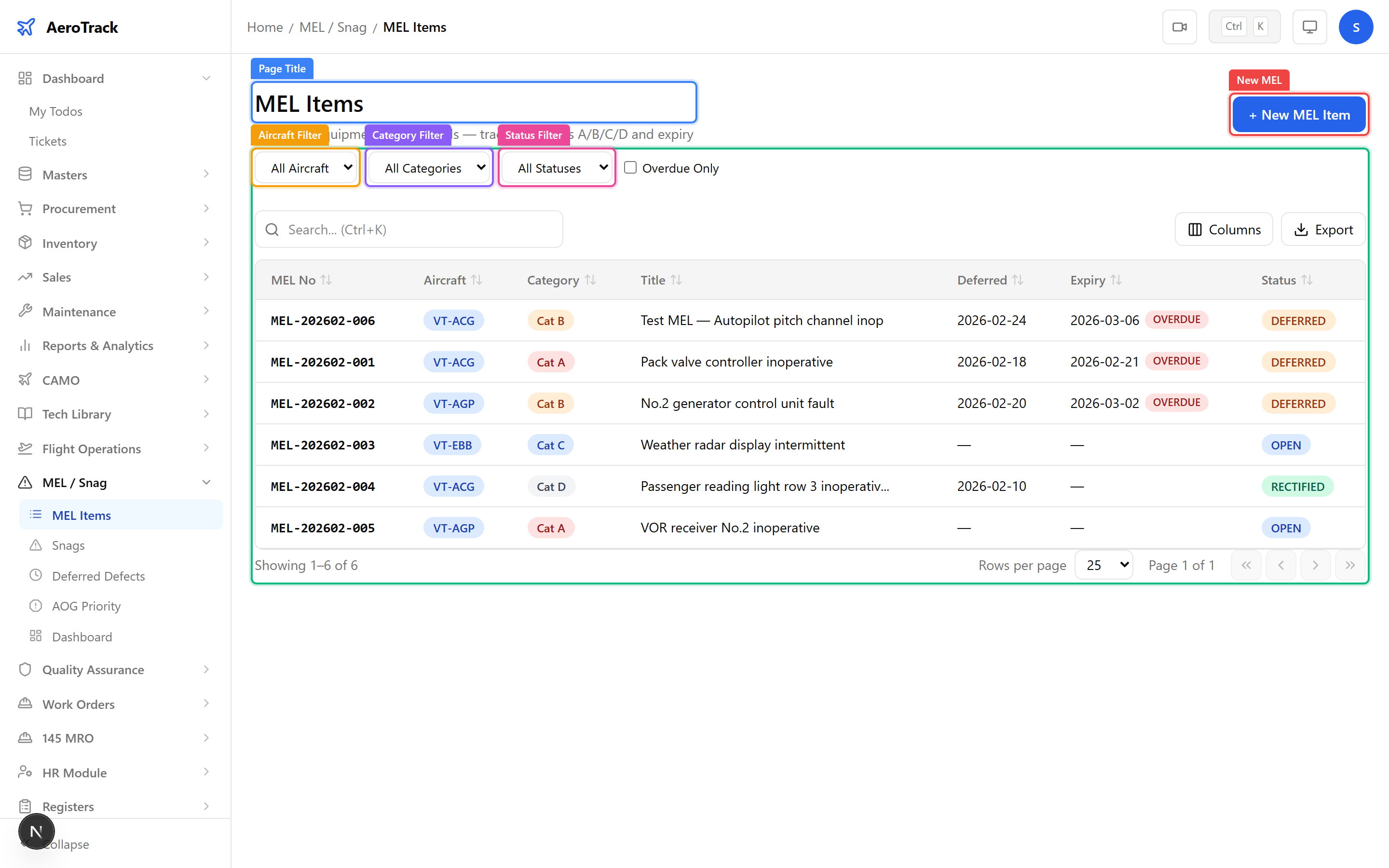
Use the Aircraft, Category (A, B, C, D), and Status filters to narrow results. Toggle Overdue Only to see just overdue items.
Create a MEL Item
Click + New MEL or navigate to
/mel-snag/mel/new.
| Field | Required | Notes |
|---|---|---|
| Aircraft * | Yes | The aircraft with the deferred item. |
| ATA Chapter | No | The ATA system chapter (e.g. 24 — Electrical). |
| MEL Category * | Yes | A, B, C, or D — determines the rectification deadline. |
| Reported By | No | Person who reported the deferral. |
| Title * | Yes | Short description of the deferred item. |
| Description | No | Detailed narrative of the deferral condition and dispatch implications. |
| Remarks | No | Internal notes or operational placard references. |
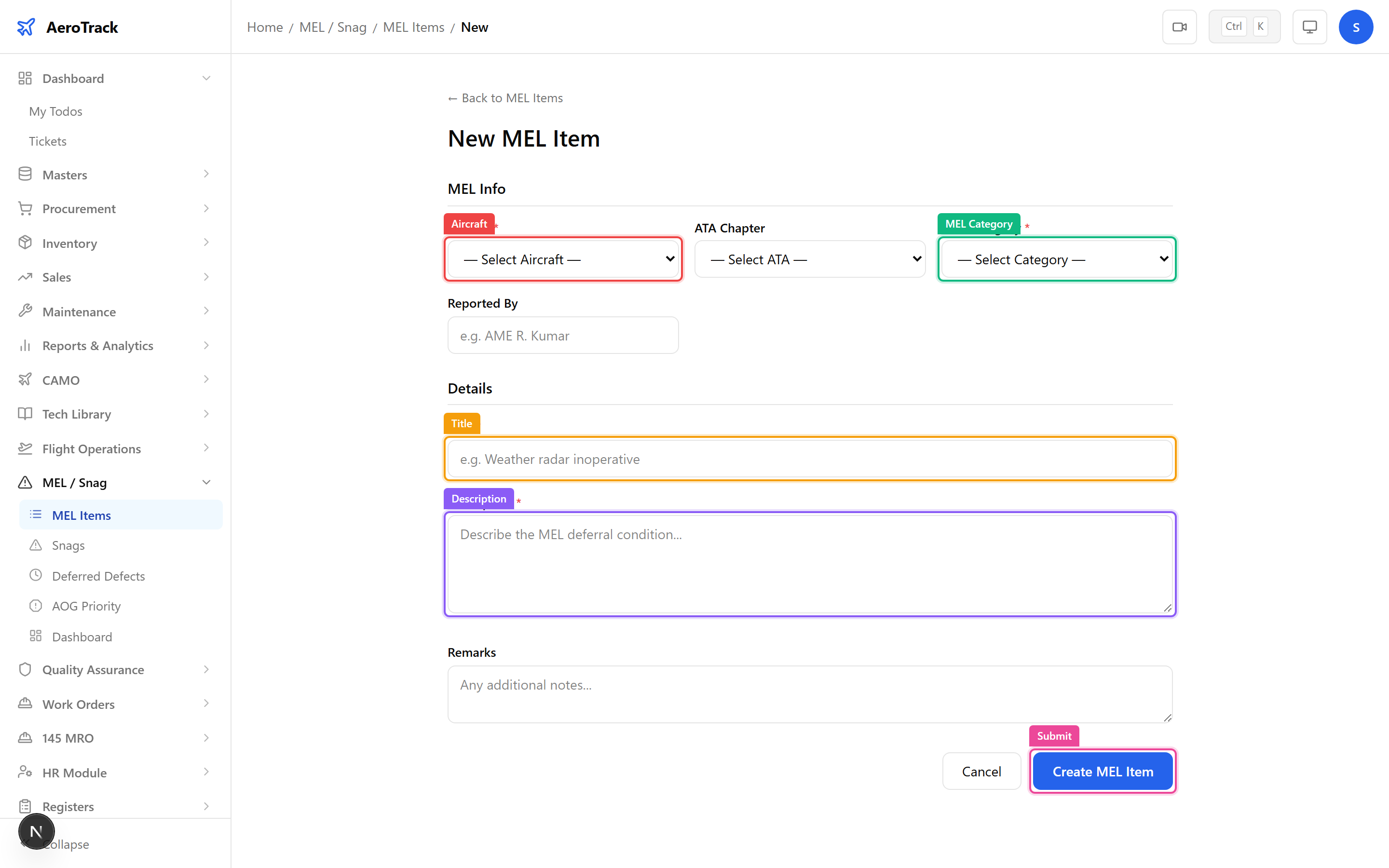
Click Create to save the MEL item in Open status. See Defer & Rectify for the deferral workflow.
MEL Detail & Workflow
The MEL detail page shows the full deferral record, deferral card with category and deadline, and workflow action buttons.
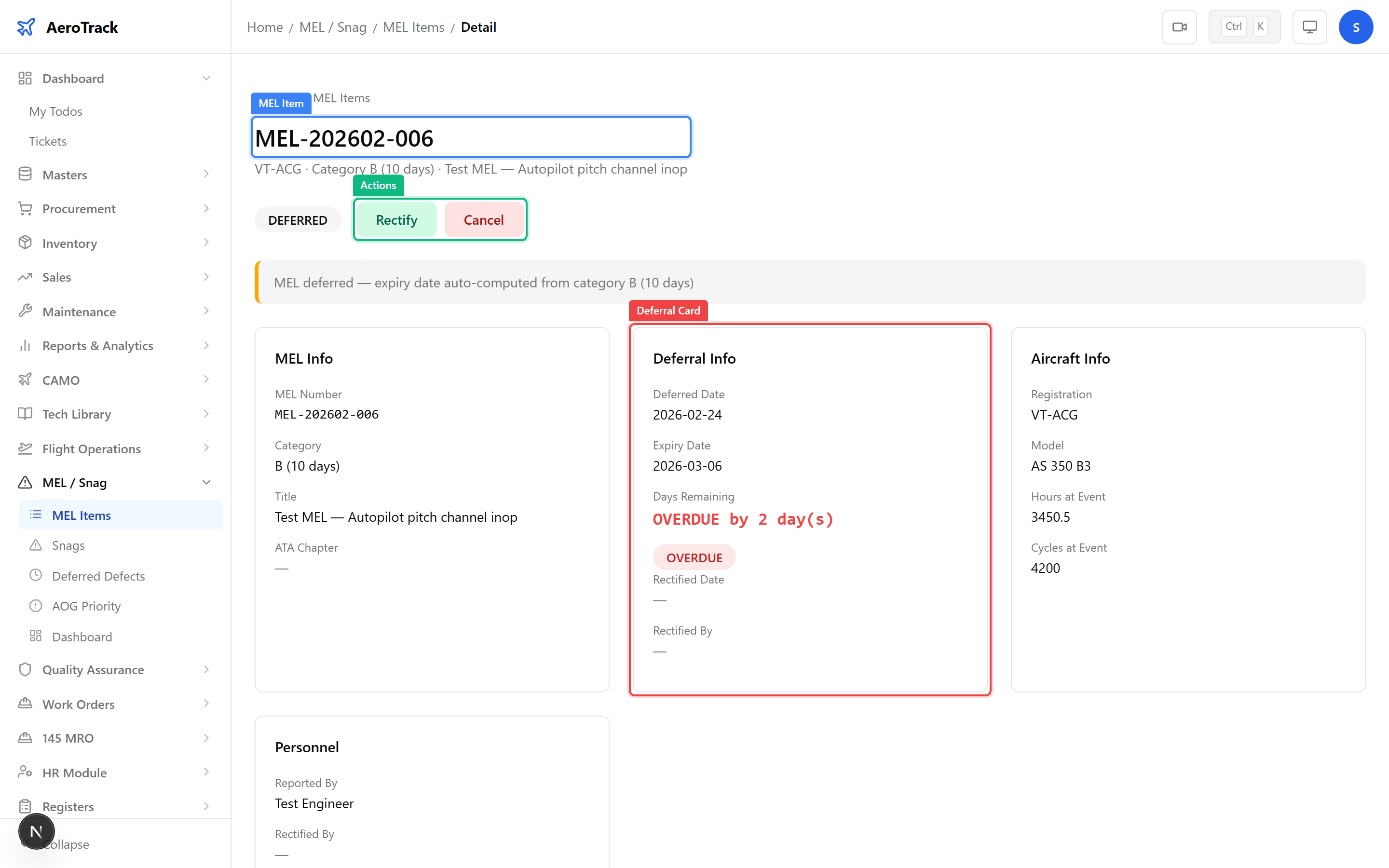
| Status | Meaning | Next Action |
|---|---|---|
| Open | MEL item raised. Awaiting deferral approval. | Approve deferral. |
| Deferred | Item deferred with a rectification deadline. | Rectify before deadline or extend. |
| Rectified | Defect repaired. | Close the MEL item. |
| Closed | Item resolved. Read-only. | — |
| Cancelled | Item withdrawn (e.g. duplicate). | — |