Browse Quarantine Items
Navigate to Inventory → Quarantine in the
sidebar. The page loads at /inventory/quarantine showing
all items currently in quarantine.
Items enter quarantine when a Goods Receipt inspection marks them with condition Quarantine. They remain here until resolved.
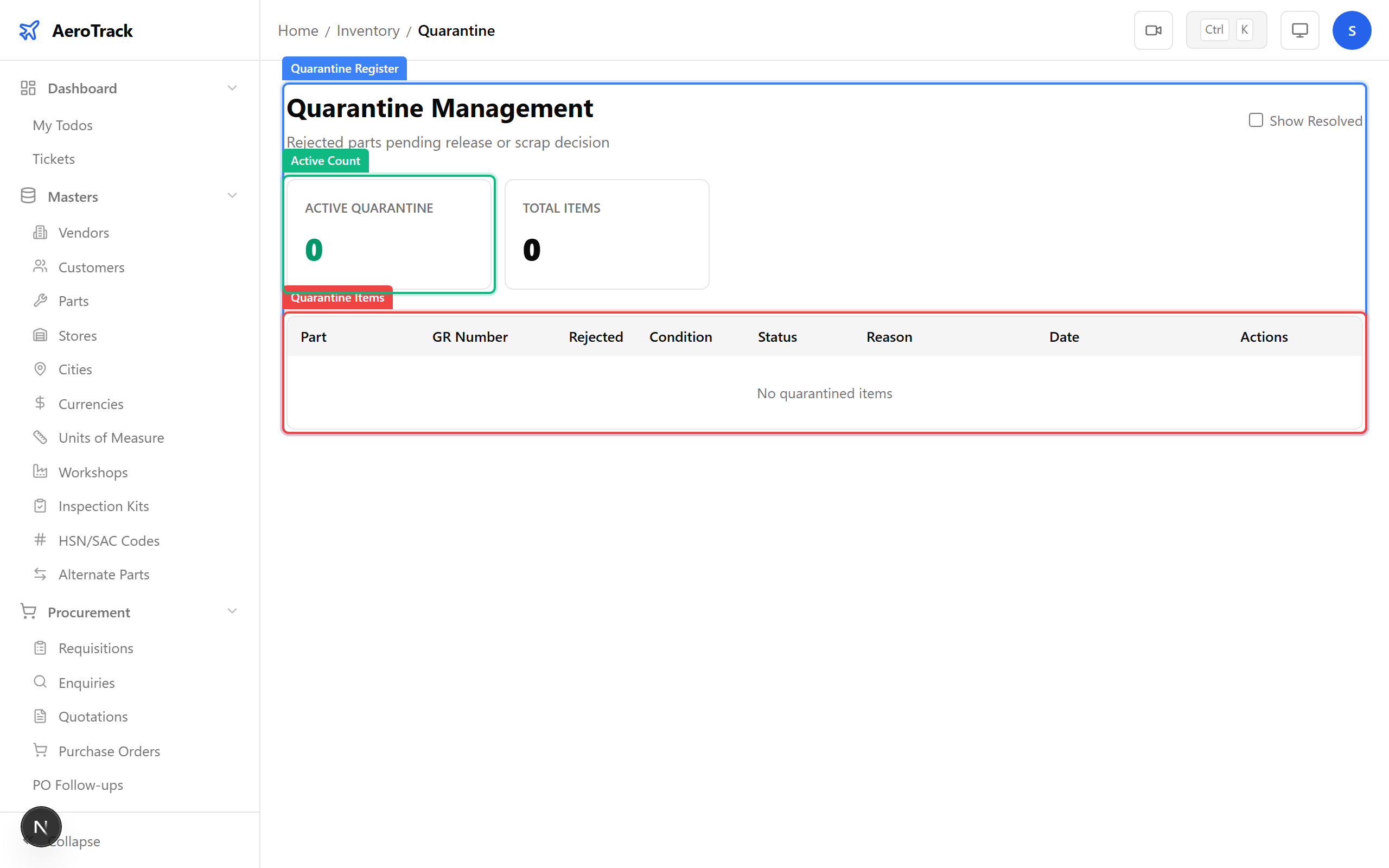
| Column | Meaning |
|---|---|
| Part Number | The part that was quarantined. |
| GR Number | The goods receipt where quarantine was triggered. |
| Reason | Why the item was quarantined (entered during inspection). |
| Quantity | Number of quarantined units. |
| Date | When the item was quarantined. |
| Status | Active (pending resolution) or Resolved. |
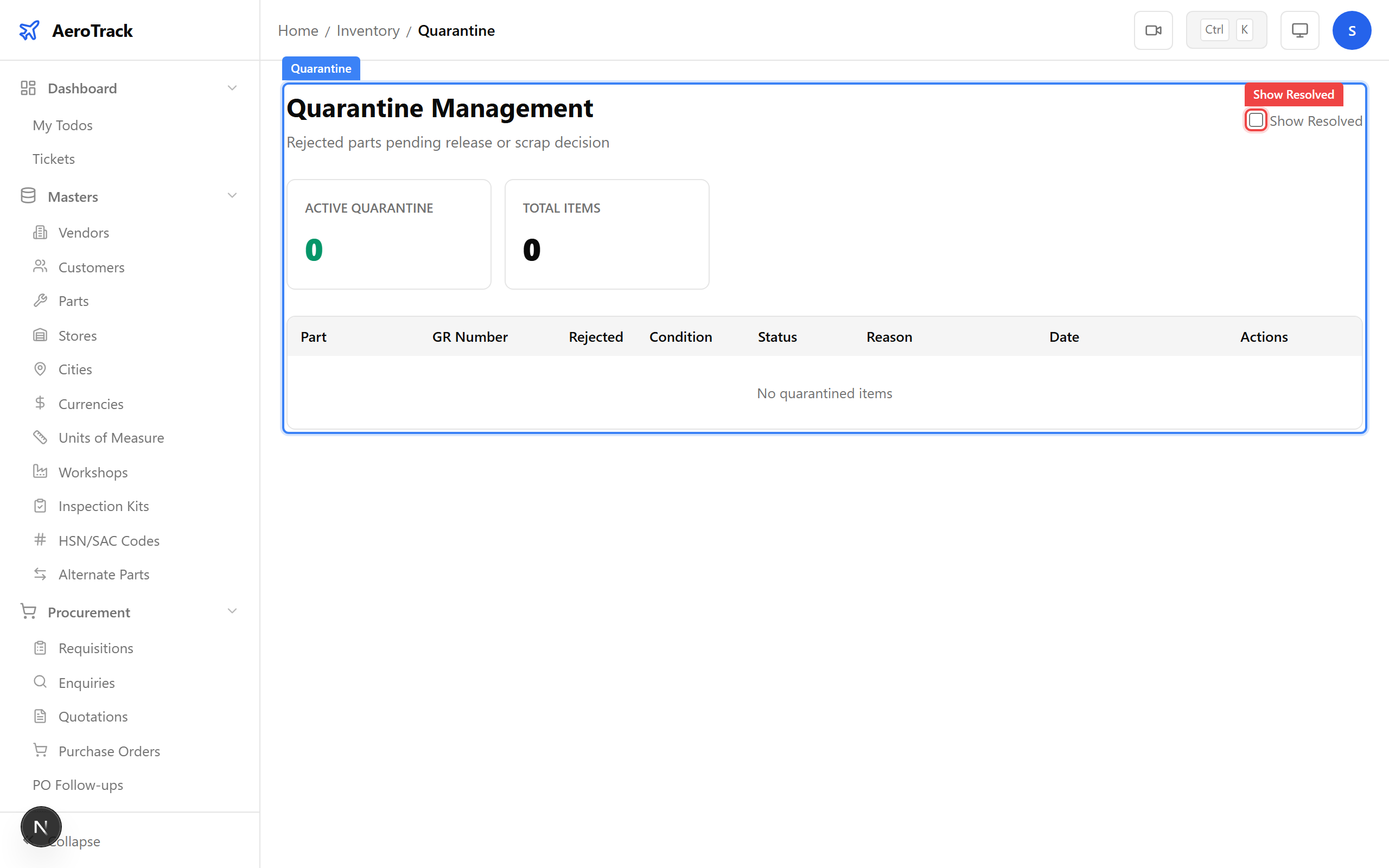
By default the table shows only Active items. Use the Show Resolved toggle to include resolved quarantine records in the table for audit purposes.
Resolve Quarantine
Click the Resolve button on any active quarantine row. A dialog appears asking for a resolution reason.
| Field | Required | Notes |
|---|---|---|
| Resolution Reason * | Yes | Explanation of the investigation outcome: released to service, returned to vendor, scrapped, etc. |
Click Confirm to resolve the quarantine record. The item’s status changes to Resolved and the active count decreases.
Common quarantine outcomes include:
| Outcome | Action |
|---|---|
| Released to Service | Part passes re-inspection and enters usable stock. Update the resolution reason with the re-inspection reference. |
| Returned to Vendor | Create a Purchase Return and note the RTV number in the resolution. |
| Scrapped / BER | Create a BER/Discard record. The part is written off inventory. |
| Sent for Repair | Part is sent to a workshop for overhaul. Track via work order or external vendor. |