View Certificates
1
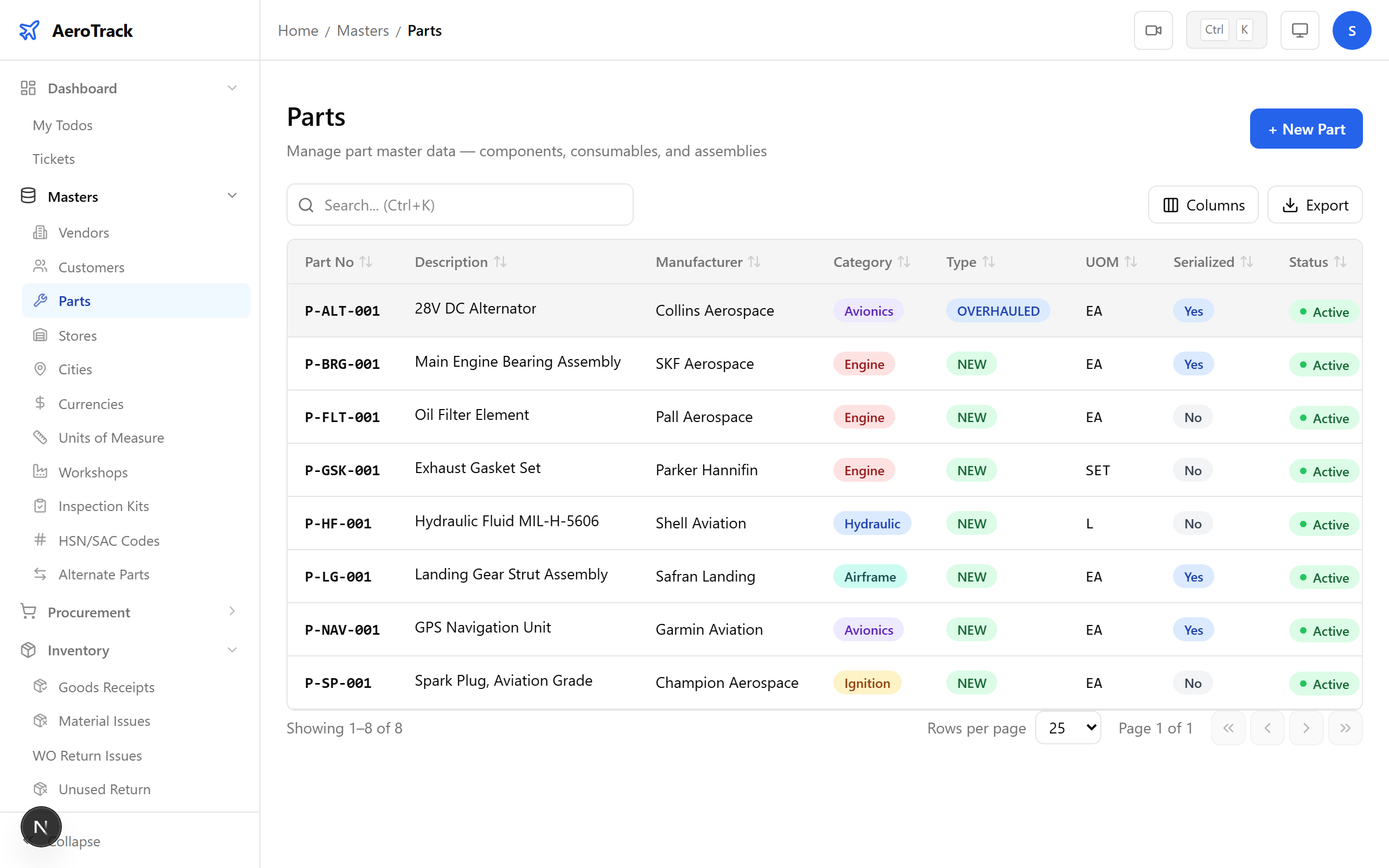
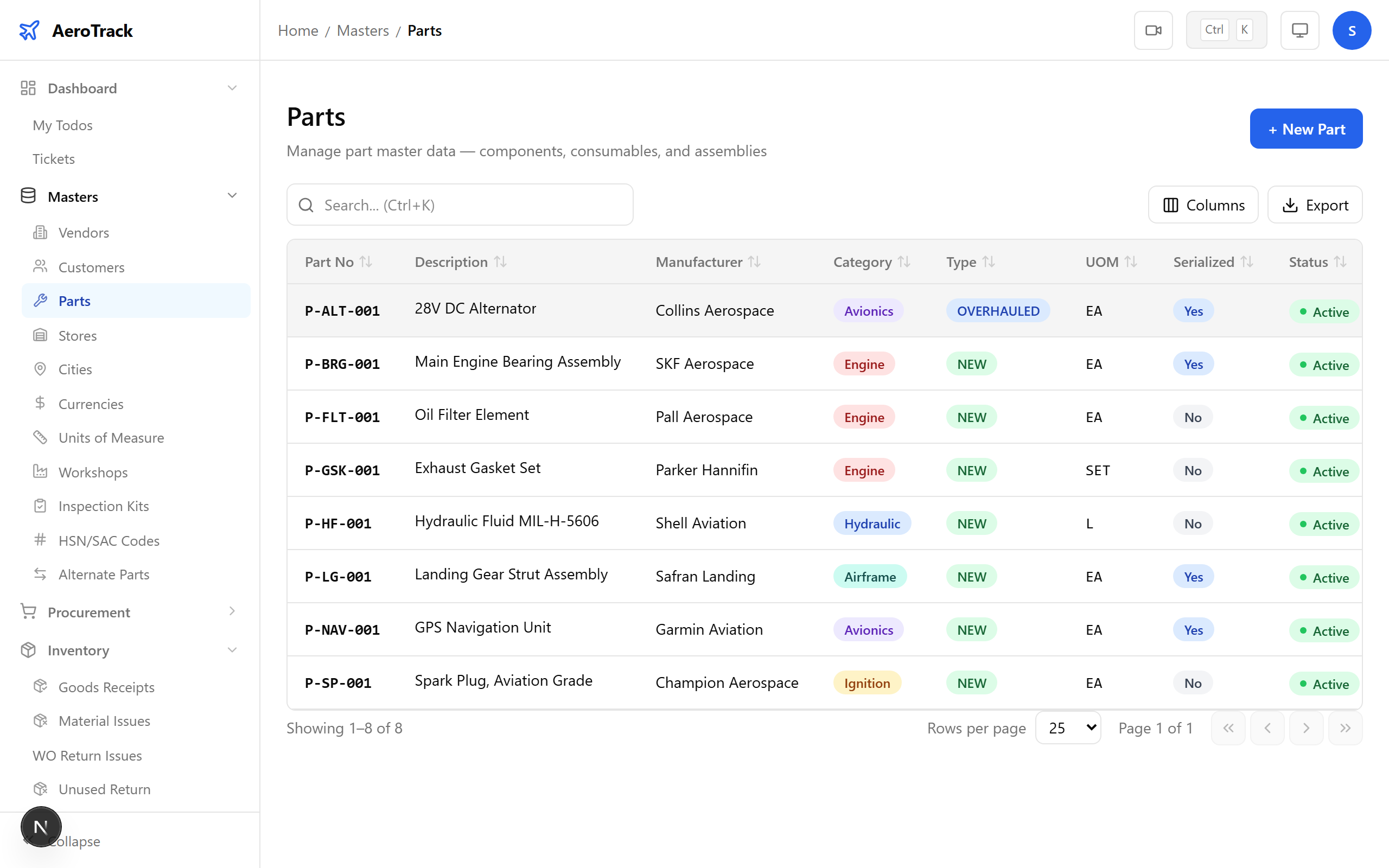
Open the Part Detail Page
Navigate to Masters → Parts and click any part
row. The detail page at /masters/parts/{id} shows all
part metadata, stock balances, and a Certificates
section at the bottom.
2
Review the Certificates Section
The certificates section lists all uploaded documents for this part:
| Column | Meaning |
|---|---|
| Type | Certificate type (EASA Form 1, FAA 8130, CoC, etc.). |
| Number | Certificate reference number. |
| Authority | Issuing authority or vendor name. |
| Issue Date | When the certificate was issued. |
| Expiry Date | When the certificate expires (if applicable). |
| File | Link to download the uploaded document. |
Certificates uploaded during Goods Receipt inspection also appear here. The system links certificates to parts regardless of where they were uploaded.
Upload a Certificate
3
Open the Upload Dialog
Click Upload Certificate on the part detail page. A dialog opens with the certificate form.
4
Fill the Certificate Details
| Field | Required | Notes |
|---|---|---|
| Certificate Type * | Yes | EASA Form 1, FAA 8130-3, Certificate of Conformity (CoC), Test Report, Batch Certificate, or Other. |
| Certificate Number * | Yes | The reference number on the certificate document. |
| Issuing Authority * | Yes | Who issued the certificate (vendor, OEM, or regulatory body). |
| Issue Date * | Yes | Date the certificate was issued. |
| Expiry Date | No | Expiry date if the certificate has a limited validity period. |
| File * | Yes | Upload the scanned certificate document (PDF, JPG, PNG). |
| Remarks | No | Additional notes (batch number, revision, etc.). |
Click Upload to save. The certificate appears in the list immediately.
All certificate uploads are logged in the audit trail. Deleting a certificate is also audited. Ensure certificate details are accurate — they form part of the official airworthiness documentation.
5
Certificate Types & Compliance
| Certificate | When Required |
|---|---|
| EASA Form 1 | Parts manufactured or maintained under EASA approval. |
| FAA 8130-3 | Parts from US-approved manufacturers or repair stations. |
| Certificate of Conformity | Standard parts, raw materials, consumables. |
| Test Report | Parts that require functional testing before installation. |
| Batch Certificate | Chemical products, sealants, adhesives sold in batches. |
DGCA auditors expect a complete certificate chain for every installed part. Link certificates at Goods Receipt time to ensure no gaps in the traceability chain.