Dashboard Overview

The main landing page after login. View your personal to-do list, support tickets, quick-access module cards, and navigate to any part of AeroTrack. All users see the dashboard — content adapts to your role.

Module: Dashboard · 5 steps · all roles

Landing Page
1 Open the Dashboard

After logging in, you land on the main dashboard at /. This is your starting point for every session — it shows a personalised overview of pending work and quick navigation to all AeroTrack modules.
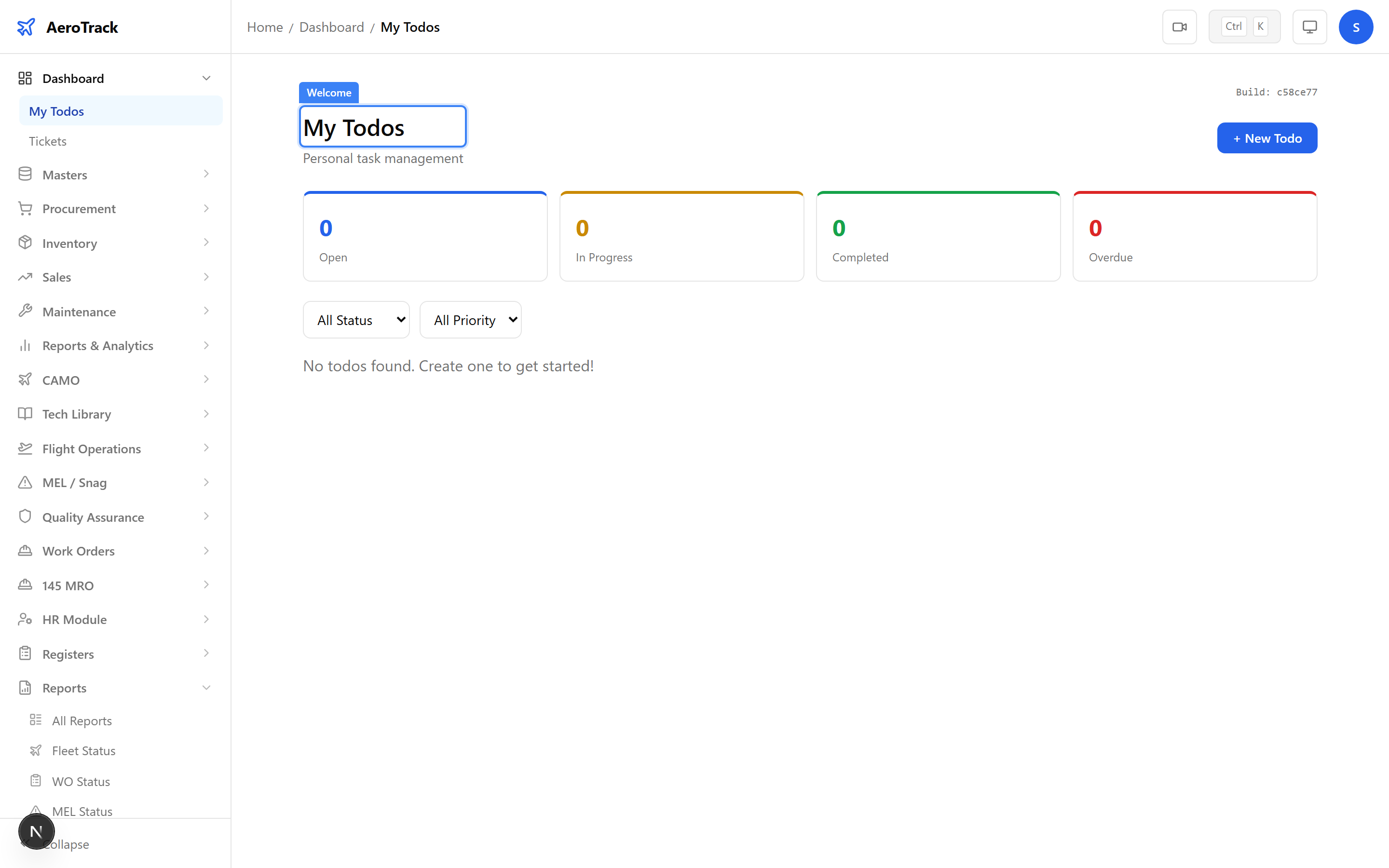
AeroTrack dashboard landing page with welcome heading, Todos card, and Tickets card
2 Understand the Layout

The dashboard is organised into sections:

SectionDescription
Page TitleWelcome heading with the current user’s name.
My TodosPersonal task list — items you need to action.
TicketsSupport tickets assigned to you or your team.
SidebarFull navigation to all modules, grouped by function.
The dashboard content adapts to your role. CAMO engineers see fleet-related widgets, while store managers see inventory alerts. Admin users see all sections.
Dashboard Widgets
3 My Todos

The My Todos card shows your personal task list. You can create, check off, and manage to-do items to track daily work. Click the card to open the full Todos page at /dashboard/todos.

Todos are private to each user — only you can see and manage your own list.
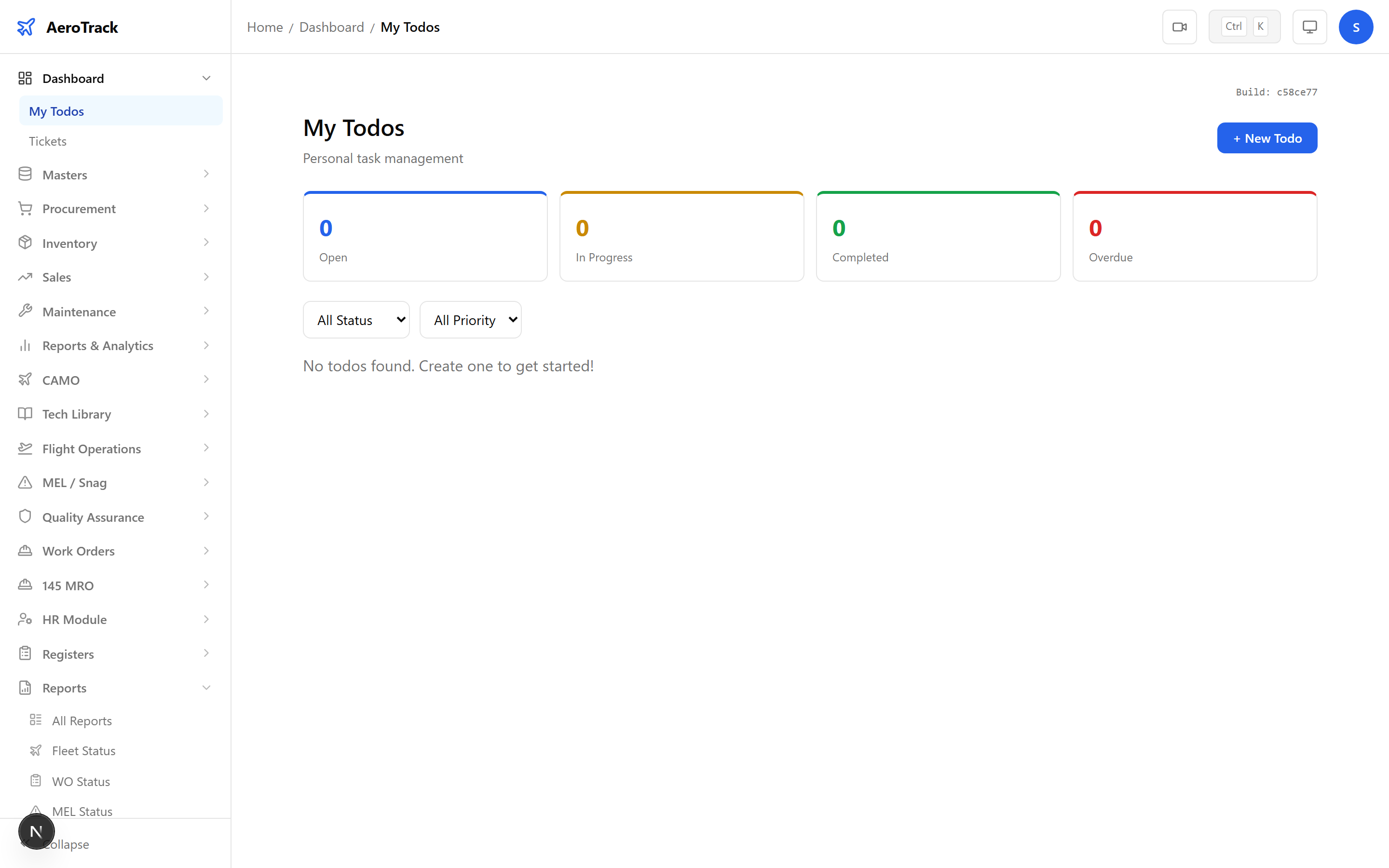
Dashboard widgets showing Todos card with task list and Tickets card with open ticket count
4 Tickets

The Tickets card shows support tickets and internal requests. Click the card to open the full Tickets page at /dashboard/tickets where you can create new tickets, view status, and respond to existing ones.

ActionDescription
CreateRaise a new support ticket or internal request.
ViewSee ticket details, responses, and status.
UpdateAdd comments or change ticket status.
Navigate to Modules
5 Use the Sidebar

The left sidebar provides full navigation to every AeroTrack module. Groups are collapsible and organised by function:

GroupKey Modules
MastersVendors, Parts, Stores, Cities, Currencies
ProcurementRequisitions, POs, Invoices, Payments
InventoryReceipts, Issues, Stock, Transfers
SalesEnquiries, Quotations, Orders, Invoices
CAMOAircraft, Tech Library, Flight Ops, MEL/Snag
Work OrdersInternal, Third-Party, Packages
Reports39 formatted CAMO reports + Phase 1 reports
AnalyticsOperational, Financial, Vendor, Charts
SettingsCompany, Users, Text Series, Audit Log
The sidebar remembers which groups you last expanded. Click the AeroTrack logo at the top to return to this dashboard from anywhere in the app.