Landing Page
After logging in, you land on the main dashboard at /.
This is your starting point for every session — it shows a
personalised overview of pending work and quick navigation to all
AeroTrack modules.
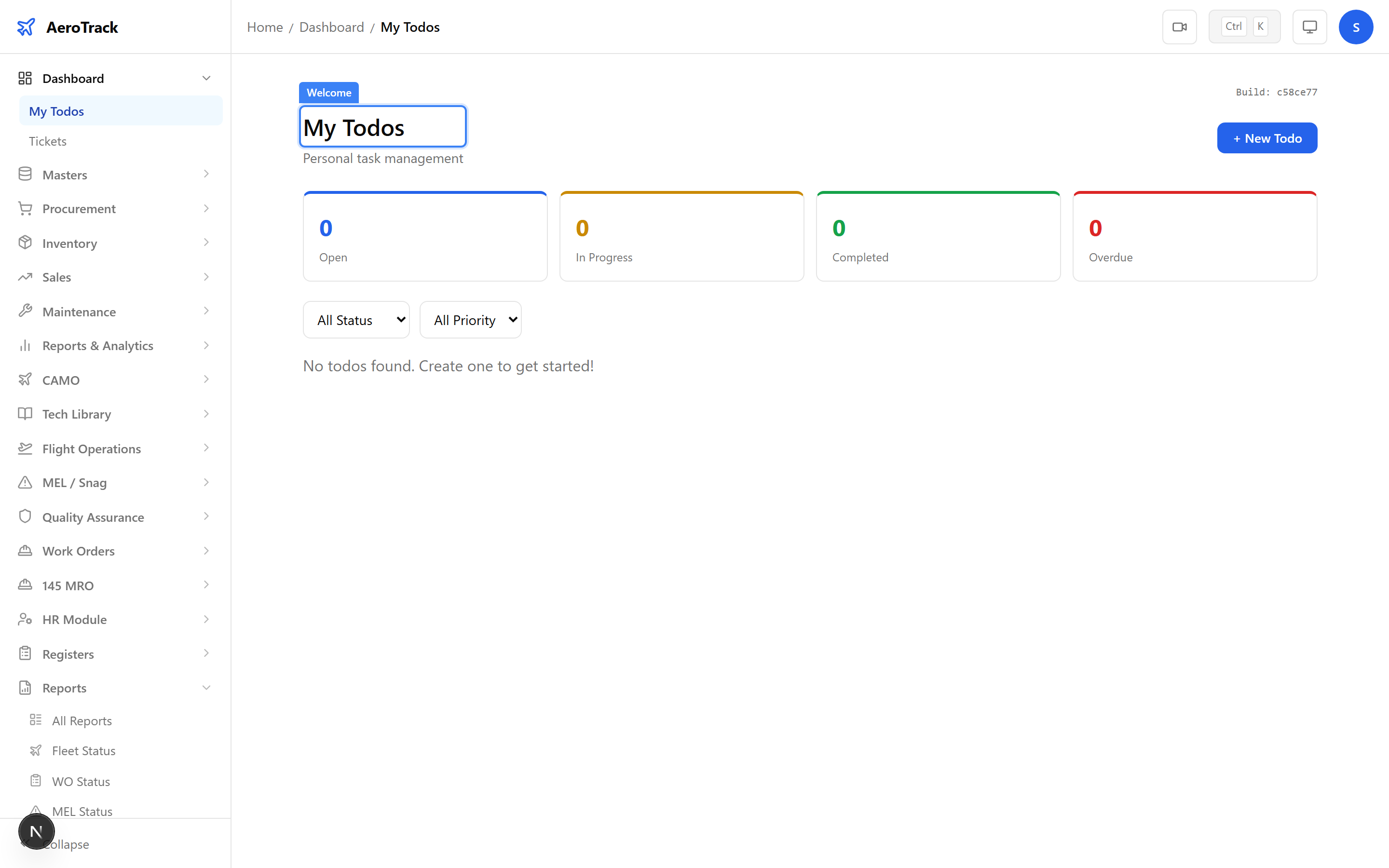
The dashboard is organised into sections:
| Section | Description |
|---|---|
| Page Title | Welcome heading with the current user’s name. |
| My Todos | Personal task list — items you need to action. |
| Tickets | Support tickets assigned to you or your team. |
| Sidebar | Full navigation to all modules, grouped by function. |
Dashboard Widgets
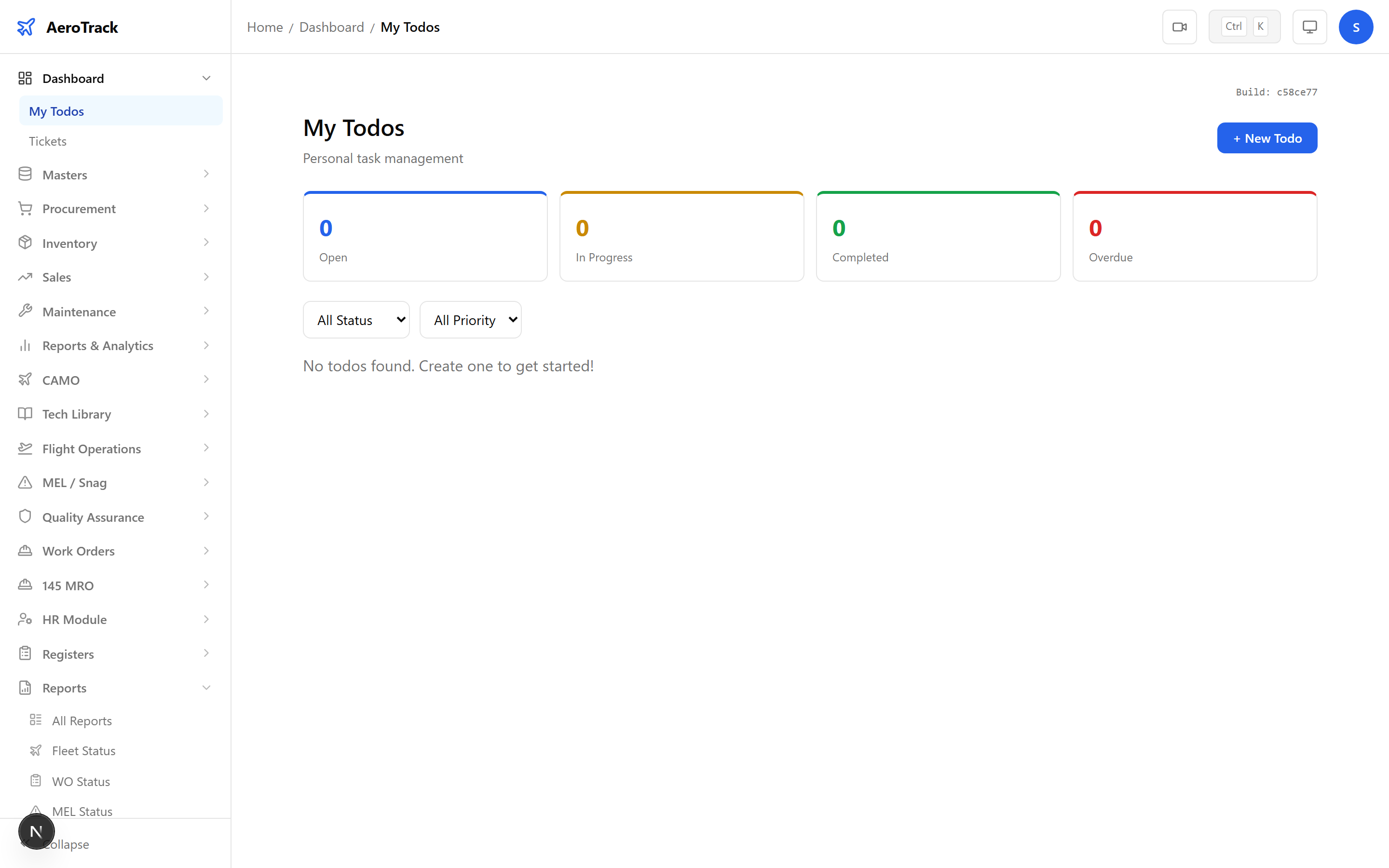
The My Todos card shows your personal task list.
You can create, check off, and manage to-do items to track
daily work. Click the card to open the full Todos page at
/dashboard/todos.
Todos are private to each user — only you can see and manage your own list.
The Tickets card shows support tickets and
internal requests. Click the card to open the full Tickets page
at /dashboard/tickets where you can create new
tickets, view status, and respond to existing ones.
| Action | Description |
|---|---|
| Create | Raise a new support ticket or internal request. |
| View | See ticket details, responses, and status. |
| Update | Add comments or change ticket status. |